Disclosure: As an Amazon Associate I earn from qualifying purchases. This post may contain affiliate links at no extra cost to you.
- Luminance contrast reduction: Illuminates the wall behind your screen, eliminating the harsh contrast boundary between bright displays and dark room walls.
- Industry standard (6500K D65): Pure 6500K white bias lighting preserves true screen color rendering and deepens perceived black levels.
- Brightness calibration: Calibrate bias strip output to 10% of maximum monitor brightness for optimal visual relaxation.
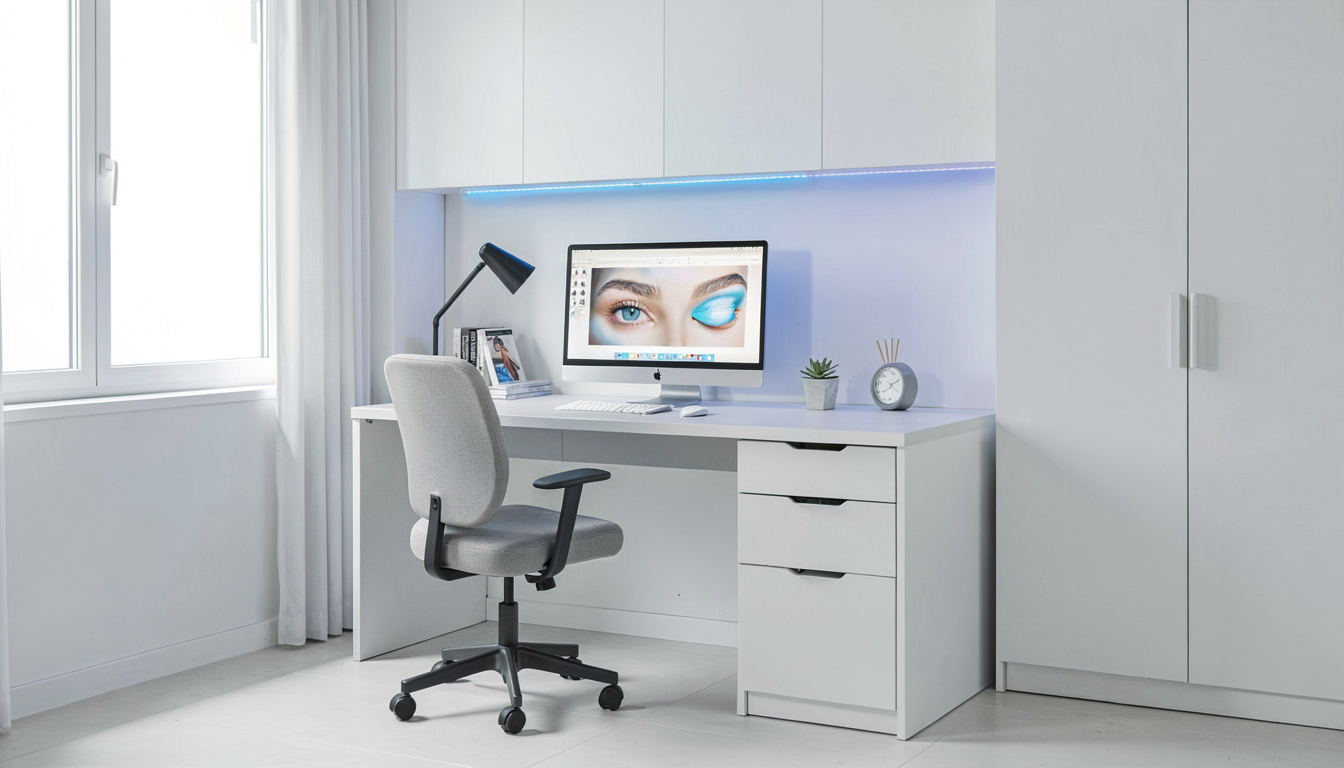
Bias lighting involves mounting a diffused light source (such as an LED strip or bar) directly onto the rear housing of a computer monitor, projecting a soft glow onto the wall surface behind the display. In modern home offices where workers spend hours staring at self-luminous LED monitors in dark or dimly lit rooms, bias lighting solves a fundamental physiological issue: extreme pupil dilation stress caused by harsh luminance contrast. Operating a monitor against an un-lit dark wall forces the eye’s iris sphincter muscles into continuous, exhausting micro-spasms.
Understanding the visual mechanics of bias lighting requires analyzing pupillary light reflexes, the simultaneous contrast optical illusion, SMPTE D65 color calibration standards, and LED strip installation geometry. This guide details bias lighting setup protocols for home office workstations.
| Lighting Configuration | Luminance Contrast Ratio | Pupil Dilation Dynamics | Perceived Black Level Quality | Visual Fatigue Risk |
|---|---|---|---|---|
| 6500K Bias Strip (10% Brightness) | Optimal 3:1 Balanced Ratio | Stable static pupil size | Maximum perceived depth & contrast | Very Low (Ideal for multi-hour work) |
| Unlit Dark Wall (Pitch Black Room) | Severe 20:1 High Contrast | Continuous rapid dilation/constriction | Washed out gray appearance | High (Severe Computer Vision Syndrome) |
| Saturated RGB Colored Strip | Variable / Distorted | Color-selective cone fatigue | Distorted screen color rendition | Moderate (Atmospheric but bad for text) |
| Over-Bright 100% Bias Light | Inverted (Wall brighter than screen) | Excessive pupil constriction | Dim, hard-to-read screen text | High (Pupil constriction fatigue) |
The Physiology of Pupillary Adaptation in Dark Rooms
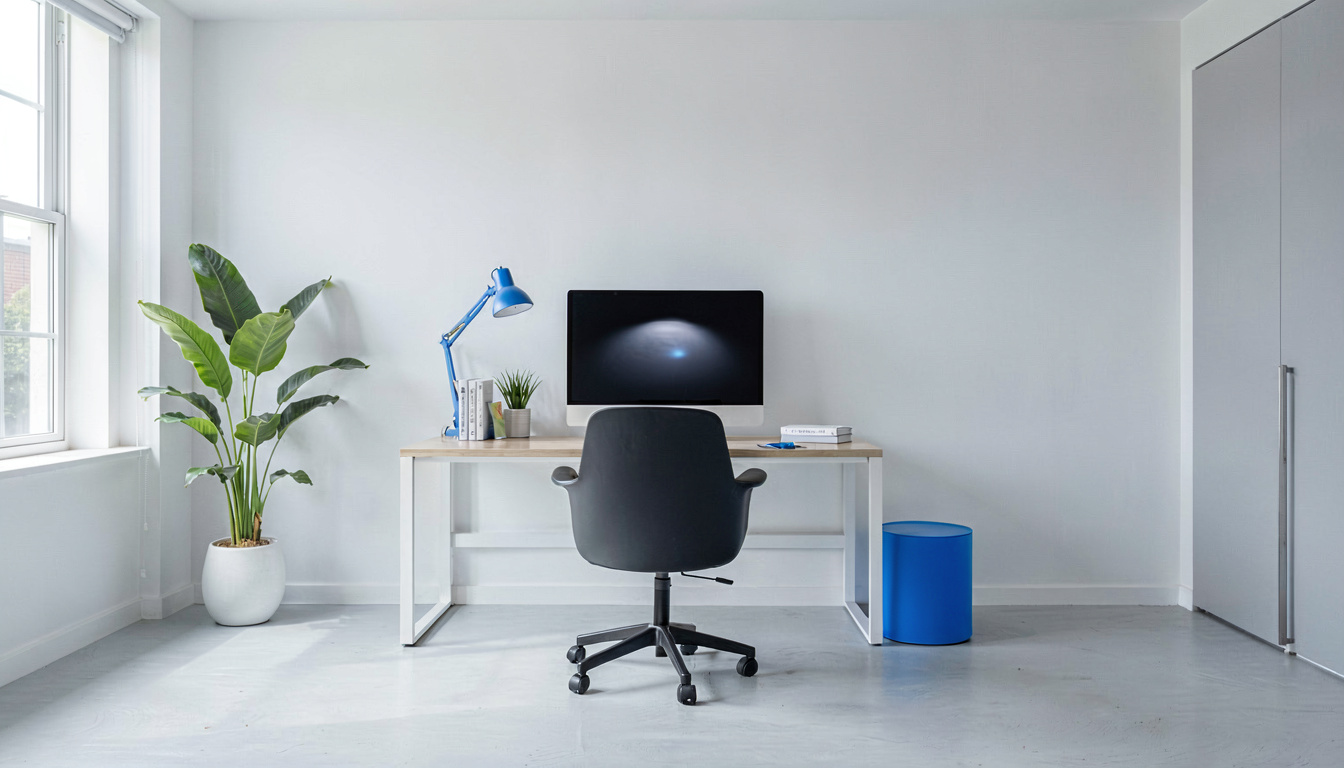
When you view a bright 200-nit monitor screen in a pitch-black room, your eyes face a biological conflict. The bright central screen causes your pupils to constrict (narrow), while the dark surrounding room wall causes your peripheral vision to dilate (widen). As your gaze shifts across screen borders, your irises constantly open and close. In practice, a worker compiling spreadsheets for 4 hours in a dark room experiences severe ciliary muscle spasms, dry eye irritation, and tension headaches. Bias lighting eliminates this conflict by raising the background wall illumination to match screen perimeter luminance.
The Simultaneous Contrast Illusion and Black Levels
Bias lighting improves perceived image quality through the **simultaneous contrast optical illusion**. When the eye views a dark object surrounded by a light background, the dark object appears significantly darker than when surrounded by total darkness. By illuminating the wall behind a monitor with a soft 6500K glow, dark gray areas on IPS or TN display panels appear rich, deep black, improving visual clarity without increasing screen backlight power.
Step 1: How to Select and Position Monitor Bias LED Strips
Install bias lighting correctly using these step-by-step guidelines:
- Select High-CRI 6500K LED Strips: Choose USB-powered LED light strips rated for 6500K (D65) color temperature with CRI 90+ rating.
- Clean Monitor Back Housing: Wipe the rear plastic shell of your monitor with isopropyl alcohol to remove dust before applying adhesive LED backing.
- Mount Strips 5cm from Edges: Adhere the LED strip in a perimeter rectangle 5cm to 7cm inward from the outer edges of the monitor frame.
Step 2: Calibrating Bias Light Brightness Output
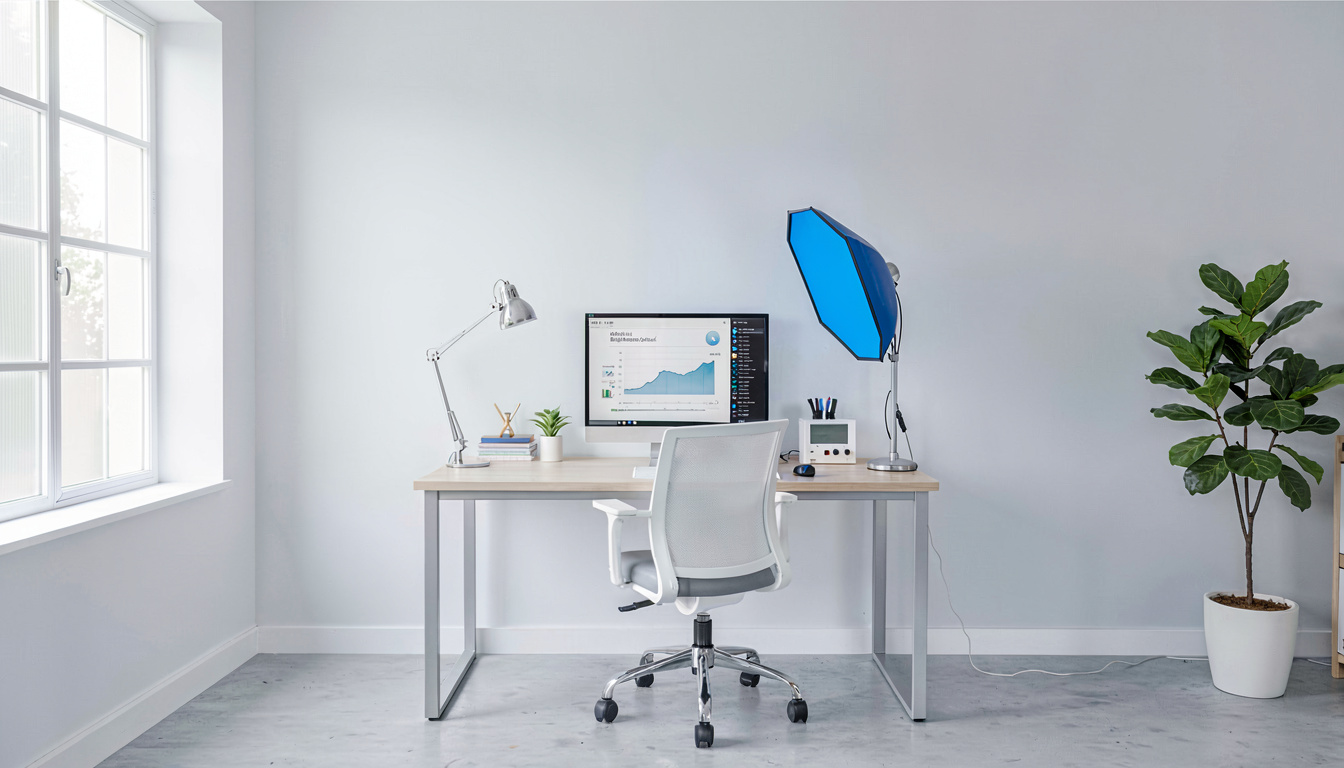
Calibrate bias lighting brightness to achieve optimal visual balance:
- Maintain Wall Distance: Ensure your monitor sits 15cm to 30cm away from the back wall to allow LED light to diffuse into a smooth, seamless glow.
- Use Neutral Wall Colors: Bias lighting works best against white, light grey, or neutral off-white walls. Bright red or blue wall paint will distort reflected light.
What Are the Common Bias Lighting Mistakes?
Avoid these widespread lighting mistakes:
Using vibrant saturated RGB colors (such as deep blue or red) behind your monitor creates chromatic aberration in the eye. Blue wavelengths focus at a different focal plane in the retina than red, forcing ciliary eye muscles into constant micro-adjustment. Keep RGB lighting for gaming, and use pure 6500K white for productivity.
Another mistake is mounting bias LEDs too close to the wall (under 5cm), which creates harsh bright spot rings around the monitor frame rather than a smooth diffused halo.
What Does Ergonomics and Health Guidance Recommend?
Leading safety and optometric institutions provide clear guidelines regarding display backlighting.
Evaluating USB Power Integration and Auto-Syncing
Modern USB-powered bias lighting strips plug directly into a monitor’s downstream USB port. When the computer enters sleep mode or powers off, the monitor cuts USB port power, automatically turning off the bias light strip. This eliminates manual power switching and ensures bias backlighting operates whenever the screen is active.
Understanding Retinal Rod and Cone Adaptation Dynamics According to research from the and ergonomic studies, human retinal photoreceptors (rods and cones) adjust sensitivity based on total ambient light entering the pupil. When a worker looks between a bright screen and an unlit dark wall, rod cells constantly dark-adapt while cone cells light-adapt. This constant photopic-to-scotopic transition strains ciliary eye muscles, leading to premature fatigue.
Recommendations for Contrast Ratios computer workstation guidelines ophthalmology guidance recommends keeping background wall illuminance within a 3:1 ratio of display screen brightness. Operating bias lighting at 10% brightness prevents dark-surround glare while preserving deep black levels on monitor panels.
Managing Rear Wall Reflectance and Surface Textures
Managing Rear Wall Reflectance and Surface Textures
The efficiency of monitor bias lighting depends heavily on rear wall surface properties. Smooth, light-colored walls (matte white, light grey, or beige) reflect 70% to 80% of light emitted by rear LED strips, creating a soft, diffused illumination halo. Dark, textured, or brick walls absorb light, requiring higher LED brightness settings to achieve the target 10% screen contrast ratio.
Integrating Bias Lighting into Standing Desk Workstations
When using height-adjustable standing desks, monitor positions shift relative to background walls as the desk moves up and down. Mounting bias LED strips directly onto the monitor back housing ensures the illumination halo moves seamlessly with the screen, maintaining constant background lighting regardless of standing desk height.
Understanding Voltage Regulation in Low-Noise USB Light Strips
Quality bias LED light strips incorporate internal voltage regulation micro-chips that prevent electrical interference or hum on computer USB buses. Cheap LED strips without voltage regulation can introduce ground-loop audio buzz on USB microphones or desktop speakers.
Evaluating Dimmer Control Precision in Bias LED Strips
Precision dimmer switches allow fine-tuning bias illumination in 1% increments. Setting bias lighting to match exact rear wall reflectance prevents over-illumination while maintaining a comfortable D65 white background glow behind display screens.
Limitations and Tradeoffs of Bias Lighting Systems
While rear bias lighting provides exceptional eye comfort in dark rooms, practical limitations exist. Bias lighting requires a flat, light-colored rear wall within 30cm of the monitor; if your desk is positioned in the middle of a room or facing an open window, rear bias light has no surface to bounce off. In open-room desk layouts, a dual-light desk lamp providing soft ambient room fill serves as the necessary alternative.
Frequently Asked Questions
What is bias lighting, and how does it reduce eye strain?
Bias lighting is illumination placed directly behind a computer monitor display, illuminating the wall surface behind the screen. It reduces eye strain by increasing ambient background light, narrowing the luminance contrast gap between a bright monitor screen and a dark room wall.
What color temperature (Kelvin) is standard for monitor bias lighting?
The international SMPTE video reference standard for bias lighting is 6500K (D65 white daylight). 6500K provides an accurate color neutral baseline that preserves perceived screen color accuracy and contrast.
Should bias lighting be brighter or dimmer than the monitor screen?
Bias lighting should always be dimmer than the monitor screen. Adjust bias LED strip brightness so the illuminated wall behind the screen reaches approximately 10% of maximum monitor screen brightness.
Can I use RGB colored LED strips for functional monitor bias lighting?
While RGB colored lighting creates aesthetic atmosphere, colored light (such as red, blue, or purple) distorts how human eyes perceive screen color saturation and contrast. For functional eye comfort and color accuracy, pure 6500K or 4000K white light is recommended.
Does bias lighting improve perceived screen contrast and black levels?
Yes, because of how human perception works (simultaneous contrast illusion), illuminating the wall behind a monitor makes dark gray areas on the display appear deeper black, improving perceived image contrast.
Related Reading
- setup bias lighting monitor: step-by-step installation
- task lamp color temperature guide: kelvin selection
- lamp brightness lumens home work: illuminance guide
- how to reduce eye strain screen: optometric strategies
- ideal monitor distance eye health: screen placement
Sources and Further Reading
The guidance in this article draws on published material from the following organizations:
- Computer workstations: monitors — Occupational Safety and Health Administration
- Ergonomics and musculoskeletal disorders — National Institute for Occupational Safety and Health
Last updated: August 22, 2026
3 thoughts on “Bias Lighting Eye Comfort”