Disclosure: As an Amazon Associate I earn from qualifying purchases. This post may contain affiliate links at no extra cost to you.
- Recommended task lamp output: 400 to 800 Lumens (providing 300 to 500 Lux on the desk surface) for standard computer work.
- Lumens vs Lux: Lumens measure bulb light emission; Lux measures actual light landing on your desk (500 Lux ideal for paperwork).
- Dimming requirement: Always select stepless dimmable LED lamps to match desk illuminance to shifting natural room light.
Selecting task lamp brightness requires understanding the physical relationship between light source emission (measured in **Lumens**, lm) and surface illuminance landing on your desk (measured in **Lux**, lx). In home offices where workers combine luminous computer screens with physical paper documents, improper brightness management creates luminance imbalances. A illuminance ratio greater than 3:1 between a bright computer monitor and a dark desk surface causes continuous pupil dilation stress, accelerating visual fatigue.
Establishing optimal workspace illuminance involves measuring desktop Lux levels, understanding inverse-square distance laws, choosing dimmable LED drivers, and balancing ambient room light. This guide details brightness calculations, Lux target tables, and positioning guidelines.
| Workplace Activity | Target Desk Surface Illuminance (Lux) | Required Lamp Emission (Lumens at 45cm distance) | Visual Ergonomic Goal |
|---|---|---|---|
| Computer Display Work Only | 300 lx to 400 lx | 400 lm to 500 lm | Equalize desk surface with 150-nit monitor screen |
| Mixed Screen & Paper Reading | 500 lx to 600 lx | 600 lm to 800 lm | High visual clarity for fine printed text |
| Precision Drafting & Crafting | 750 lx to 1000 lx | 900 lm to 1200 lm | Maximum detail rendering for architectural plans |
| Casual Ambient Background | 150 lx to 200 lx | 200 lm to 300 lm | Soft room fill lighting for media consumption |
Understanding the Inverse-Square Law of Lighting Distance
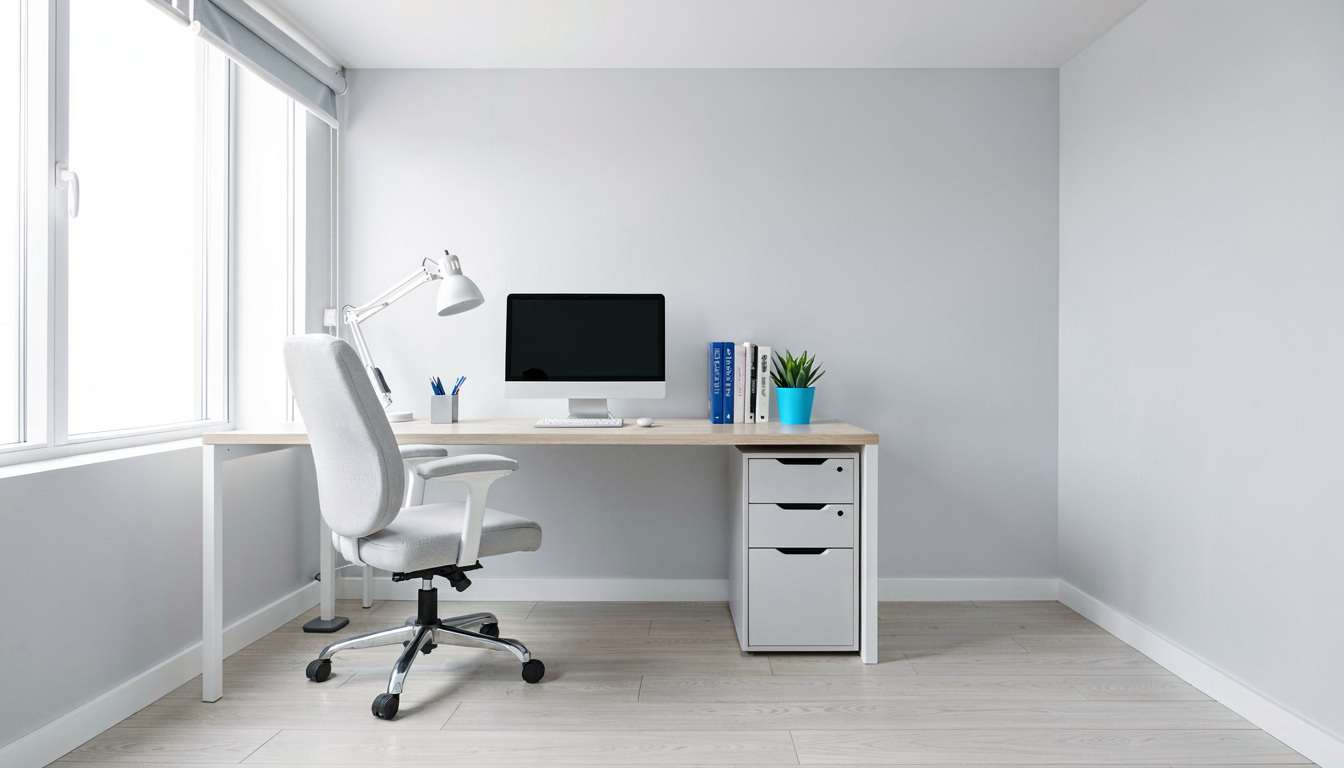
Surface illuminance (Lux) obeys the **inverse-square law**: doubling the physical distance between a task lamp shade and your desk reduces light intensity to one-quarter (25%) of its original value. In practice, a 600-lumen lamp positioned 40cm above a desk delivers approx 550 Lux to paper documents. If you raise the same lamp head up to 80cm, desktop illuminance drops precipitously to 137 Lux, forcing your eyes to strain when reading small font print.
Balancing Screen Luminance against Desk Illuminance
Modern computer monitors emit between 150 to 250 nits (cd/m²) of luminance. If your desk surface is unlit (under 50 Lux), your eyes must continuously adapt when transitioning glance between a bright 200-nit screen and a dark desk surface. Maintaining 300 to 500 Lux desktop illuminance creates visual equilibrium across your entire visual field.
Step 1: How to Measure and Adjust Desktop Lux Levels
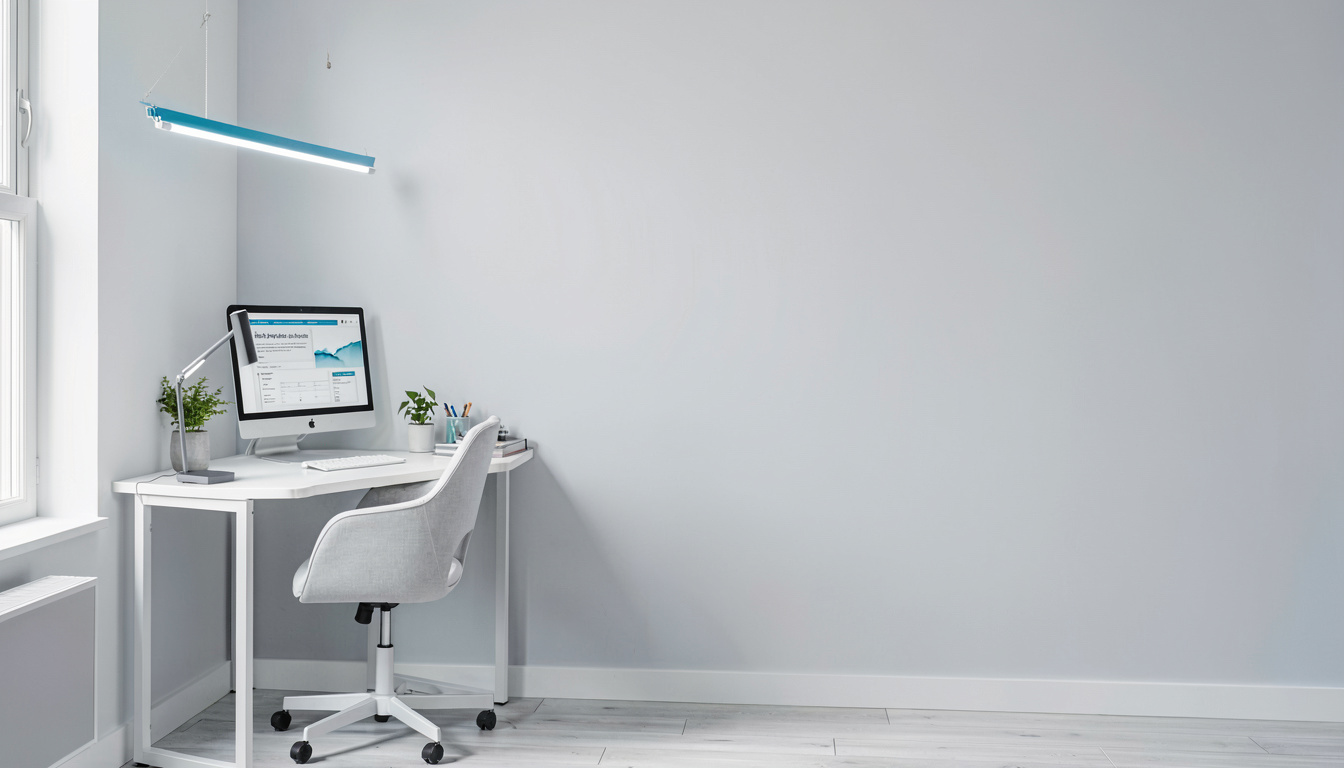
Verify your home office lighting levels using these steps:
- Download Light Meter App: Install a free smartphone Lux meter app (or use a dedicated digital Lux meter device).
- Place Sensor on Desk Surface: Lay your phone flat on your main writing pad area directly beneath your task lamp.
- Adjust Dimmer to Target: Adjust your lamp’s brightness slider until the meter reads between 400 lx and 500 lx for mixed computer work.
Step 2: Correcting Lamp Shade Height and Angle
Position your task lamp shade to eliminate glare and shadows:
- Set Shade Height to 40cm – 50cm: Position the lower lip of the lamp shade 40cm to 50cm above the desk surface.
- Angle Light Below Eye Line: Ensure the opaque lamp shade conceals the bare LED bulb from your direct line of sight. Never allow bare LED elements to shine into your eyes.
- Position Opposite Writing Hand: Place the lamp on the left side of your desk if right-handed (or right side if left-handed) to prevent your hand from casting dark shadows over paperwork.
What Are the Common Brightness Errors?
Avoid these widespread workspace lighting mistakes:
Using a bright 1000-lumen task lamp as the sole light source in a dark room creates intense “cave lighting.” The extreme contrast between the bright desk pool and surrounding dark room forces ciliary eye muscles into rapid fatigue. Always maintain ambient ceiling or bias lighting.
Another error is pointing task lamp beams directly at glossy monitor screens, causing blinding specular reflections that obscure screen content.
What Does Ergonomics and Eye Health Guidance Recommend?
Leading safety and optometric institutions provide clear guidelines regarding task illuminance.
Evaluating Asymmetric Optical Lenses in Monitor Light Bars
Modern monitor light bars (screenbars) use specialized **asymmetric optical lenses** that cast light downward in a precise triangular beam over the desk pad while completely blocking light rays from striking the monitor screen. Unlike traditional swing-arm lamps that radiate omnidirectional light, asymmetric light bars deliver 500 Lux to your desk pad with zero screen glare and zero desktop footprint.
Guidance for Desktop Lux Distribution research optometric guidance specifies maintaining a uniform 300 lx to 500 lx illuminance grid across primary desktop work areas. Uneven desktop lighting forces eyes to re-accommodate as gaze shifts between paper documents and keyboard keys.
Guidelines for Glare Reduction office safety guidance health guidelines advise using diffused LED task lamps equipped with frosted lenses to eliminate specular glare reflections off glossy desk surfaces or monitor bezels.
Evaluating Uniformity Ratio across Wide Desktops
Evaluating Uniformity Ratio across Wide Desktops
Achieving ergonomic workspace lighting requires uniform illuminance across your entire desk pad. High-quality task lamps feature wide asymmetric reflector heads that distribute light evenly, maintaining a minimum 0.7 illuminance uniformity ratio across a 90cm wide desk surface.
Integrating Task Lamps with Ambient Overhead Lighting
Task lighting should complement, not replace, ambient overhead room lighting. Operating a task lamp as the sole light source in a dark room creates high luminance contrast. Balance task lamps with indirect ceiling lighting to ensure smooth visual transitions when looking around your office.
Calculating Total Desk Surface Illuminance Needs
To compute exact task lighting needs, multiply target Lux (e.g., 500 lx) by desk surface area in square meters. A standard 120cm x 60cm desk (0.72 m²) requires approximately 360 lumens of direct focused light landing on the desk pad to achieve optimal visual clarity.
Managing Light Falloff on Wide Monitor Arrays
Wide dual 27-inch monitor arrays span over 120cm of desk width. Using a single small desk lamp creates dark peripheral drop-offs on outer keyboard areas. Select wide-format LED light bars or dual swing-arm lamps to maintain balanced 400 Lux coverage across all input zones.
Managing Heat Dissipation in High-Output LED Task Lamps
High-brightness LED task lamps outputting 800+ lumens generate thermal heat at the diode array. Quality task lamps feature extruded aluminum heat sinks that draw heat away from LEDs, maintaining stable lumen output and extending LED operational lifespan up to 50,000 hours.
Evaluating Task Lamp Power Draw and Electrical Efficiency
Modern LED task lamps deliver 800 lumens of bright desktop illumination while consuming under 10 Watts of electrical power—a 85% energy reduction compared to legacy 60 Watt incandescent desk bulbs.
Limitations and Tradeoffs of Task Lamp Brightness Settings
While adjustable high-lumen task lamps improve visual clarity, practical tradeoffs exist. High-output LED lamps (above 800 lumens) generate thermal heat at the lamp head, requiring aluminum heat-sink fins to prevent LED diode degradation. Additionally, operating high-brightness task lamps continuously increases electrical consumption, though modern LED technology draws less than 12 Watts compared to 60 Watt incandescent bulbs.
Frequently Asked Questions
How many lumens do I need for a home office task lamp?
For general computer task work, a task lamp outputting 400 to 800 lumens (equivalent to a 40W–60W incandescent bulb) provides optimal desktop illuminance. For detailed paper reading, accounting, or precision drafting, select a dimmable lamp reaching 800 to 1000 lumens.
What is the difference between Lumens and Lux in desk lighting?
Lumens (lm) measure the total amount of light emitted by a lamp bulb in all directions. Lux (lx) measures the actual density of light landing on your desk surface (1 Lux = 1 Lumen per square meter). Ergonomic standards specify desktop illuminance in Lux (typically 300 lx to 500 lx).
How do I prevent task lamp light from reflecting glare off my monitor?
Position the task lamp to the side of your monitor (opposite your writing hand) and angle the shade downward so light illuminates paper documents on your desk without striking the screen glass directly.
Can a task lamp that is too bright cause eye strain and headaches?
Yes, an excessively bright task lamp (over 1000 lumens placed close to eyes) creates harsh hotspot reflections and high luminance contrast against surrounding dark walls, triggering pupil constriction fatigue and tension headaches.
What is the recommended desktop light level (Lux) for computer work vs paper reading?
Standard computer screen work requires 300 to 500 Lux on the desk surface to balance display brightness. Reading paper documents or fine printed text requires higher illuminance levels of 500 to 750 Lux.
Related Reading
- task lamp color temperature guide: kelvin spectrum selection
- bias lighting eye comfort: monitor backlighting benefits
- task lighting placement guide: preventing screen glare
- warm vs cool lighting productivity: biological focus impact
- how to reduce eye strain screen: proven optometric tips
Sources and Further Reading
The guidance in this article draws on published material from the following organizations:
- Computer workstations: monitors — Occupational Safety and Health Administration
- Ergonomics and musculoskeletal disorders — National Institute for Occupational Safety and Health
- Computer workstations: keyboards — Occupational Safety and Health Administration
Last updated: August 22, 2026