The Home Office Setup Guide for Serious Remote Workers
Ergonomic gear, honest physical reviews, and setup guides from remote professionals who actually work from home all day.
Spend in this order
Most home offices get built backwards, starting with an expensive 4K monitor. Your body touches the chair for eight hours and the monitor for none. Fix posture where it matters first.
-
01
1. Office Chair
Highest Ergonomic ROIThe only item you are in contact with all day. Seat depth, armrest adjustability, and lumbar support beat brand names. Used commercial office chairs often beat new consumer chairs at the same price.
Chairs & Ergonomics Guides → -
02
2. Desk Height & Frame
Posture BaselineThe wrong desk height ruins even a $1,200 chair. Get your elbows at 90 degrees before spending anything on a standing frame, desk riser, or dual motor setup.
Standing Desks & Converters → -
03
3. Screen & Monitor Alignment
Neck Strain FixTop of screen at eye level and arm’s length away. A flexible monitor arm on an affordable display prevents neck extension far better than a premium monitor on its factory stand.
Monitors & Arm Mounts → -
04
4. Peripherals & Lighting
Fine-TuningKeyboards, vertical mice, video cameras, and task lighting. Crucial daily improvements, but they fix minor comfort issues created after the big three are dialled in.
Complete Setup Guides →
Browse by category
Direct, unbloated reviews and buying guides organized by setup component.
How we judge gear
Our testing methodology prioritizes human health and physical comfort over affiliate payouts.
Measurements, not marketing
Seat pan depth, weight capacity, desk wobble at 45 inches height, and monitor panel brightness. Real physical metrics you can rely on.
Ergonomics claims get a source
Postural guidance, RSI prevention, and eye strain mitigation cite OSHA standards or peer-reviewed ergonomic research, never a brand’s sales page.
Total cost, not sticker price
A high-end chair that lasts ten years at $600 costs far less per year than three $200 budget chairs. We calculate long-term cost per day.
Desk Niche is independent. No fake star ratings, no sponsored “Top Pick” awards—just clear ergonomic analysis you can test yourself.
Affiliate Disclosure: Some links on Desk Niche earn us a referral commission at no extra cost to you when you make a purchase. This never influences our editorial ratings or product choices. Read full affiliate disclosure →
Latest guides
The six newest write-ups, covering desks, chairs, monitors and the lighting nobody budgets for.
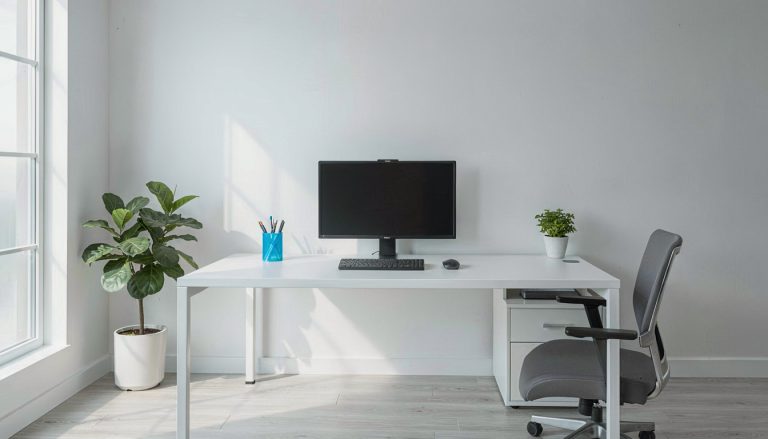 Monitors & Displays
Best Portable Monitor For Home Office
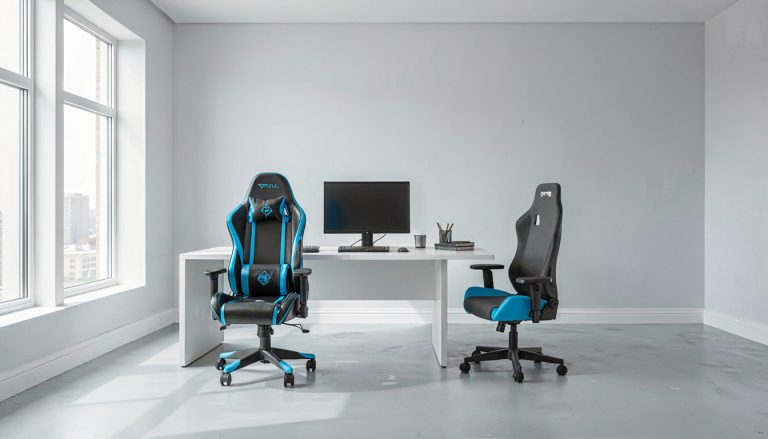 Office Chairs & Ergonomics
Gaming Chair Vs Office Chair For Work
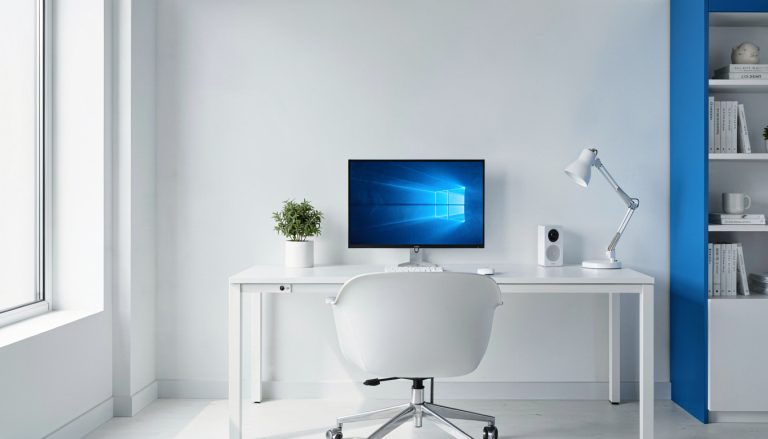 Monitors & Displays
Best 27-Inch Monitors for Home Office
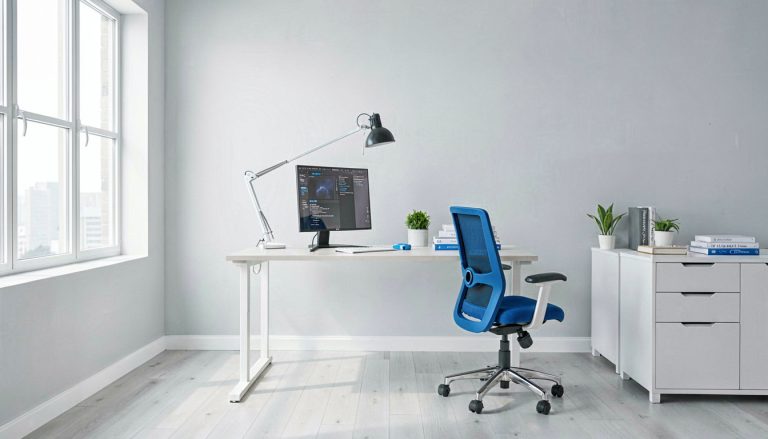 Standing Desks & Converters
Best Standing Desk For Home Office
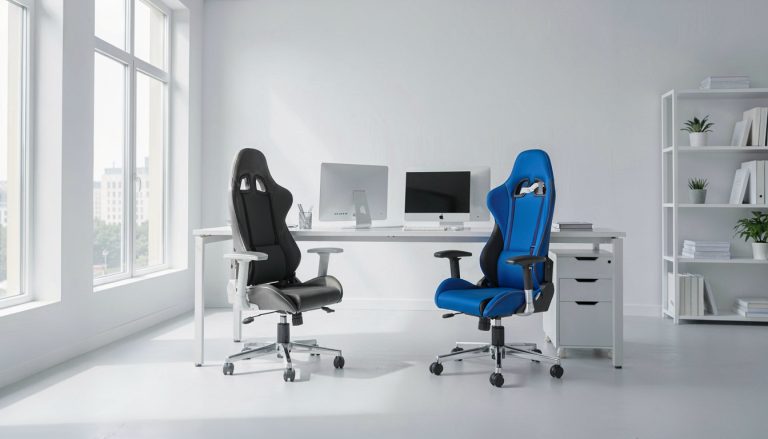 Office Chairs & Ergonomics
Sihoo Vs Hbada Office Chair
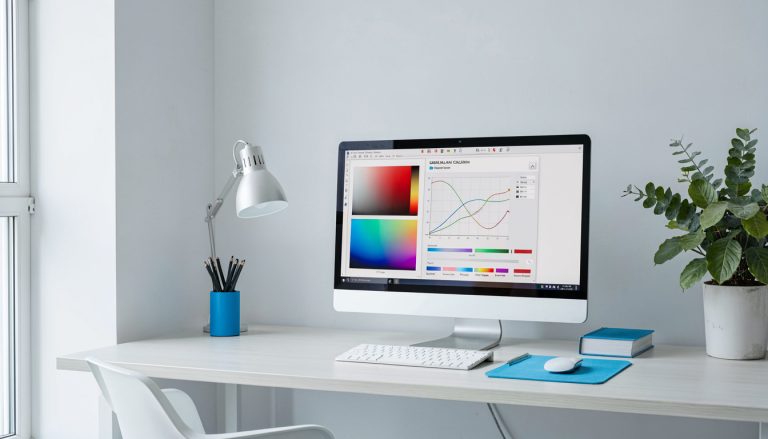 Monitors & Displays
Monitor Calibration Guide Accurate Colors
Asked often enough to answer here
What desk height should I use?
Seated, your elbows want to sit at roughly 90 degrees with forearms parallel to the floor, which for most adults means a 70 to 75 cm desk. Standing, it is about elbow height, typically 100 to 115 cm. If the desk is fixed and too high, raise the chair and add a footrest rather than shrugging at the keyboard all day.
Is a standing desk actually better?
Alternating is what helps, not standing all day. Holding a static standing posture for hours brings its own leg and lower-back load. OSHA's computer workstation guidance treats posture variation, rather than any one fixed position, as the goal.
How far away should a monitor be?
About an arm's length, 50 to 70 cm, with the top of the screen at or slightly below eye level. Larger and higher-resolution monitors want the far end of that range. If you are leaning in to read, increase the text size before you move the screen closer.
Ergonomics guidance here is measured against published standards, including the OSHA Computer Workstations eTool. Gear is our lane; persistent pain is your doctor's.