Disclosure: As an Amazon Associate I earn from qualifying purchases. This post may contain affiliate links at no extra cost to you.
- Use daylight-balanced lights at 5000–6000K for a natural, professional look on video calls.
- Place your main light 30–45 degrees to the side of your camera and 6–12 inches above eye level to reduce shadows and add depth.
- Avoid overhead or backlighting — it creates harsh shadows and makes you look tired. Front- or side-lighting is key.
- You don’t need studio gear: a smart LED bulb (~$30) in a desk lamp works nearly as well as a ring light when positioned correctly.
You’re on a Zoom call, and your CEO says, “You look a little… tired.” It’s not you — it’s your lighting. Bad lighting is the fastest way to look unprofessional, even with a $200 webcam. The good news: you don’t need a film studio. A proper home office lighting setup for video calls costs as little as $30 and takes 5 minutes to arrangecars.
Because looking great on camera isn’t about gear; it’s about angle, color temperature, and avoiding the mistakes 90% of remote workers make.
| Lighting Factor | Best Practice | Budget Option |
|---|---|---|
| Color Temperature | 5000–6000K (daylight) | Smart LED bulb ~$30 |
| Position | 30–45° to camera, 6–12″ above eye level | Adjustable desk lamp with daylight bulb |
| Brightness | Soft, diffused light; avoid harsh direct beams | Paper towel as diffuser |
| Avoid | Overhead lights, backlight, direct window behind you | Close blinds behind you |
| Key Products | Razer Ring Light, Lume Cube, Yarrashop Desk Ring Light | Smart bulbs from Philips or Wyze |
What color temperature should I use for video call lighting?
Use daylight color temperature between 5000K and 6000K. That’s the range where natural sunlight sits at noon, and it makes your skin look healthy and your eyes bright.
Many cheap ring lights default to a warm 3200K — that’s great for a cozy dinner, but on camera it turns you orange. As of 2026, the Wirecutter review of ring lights recommends variable color temperature so you can dial in 5600K for most calls.
Here’s the breakdown from actual video professionals:
- 5000–6000K – Standard daylight. Best for all-around video calls.
- 6500–7000K – Cloudy day light. Slightly cooler, can be used if you have a lot of warm ambient light.
- 3200–4000K – Night/indoor warm. Only use if you want a softer, more intimate look (not recommended for professional meetings).
Where should I place my light source for professional video calls?
Place your main light 30–45 degrees to one side of the camera and 6–12 inches above your eye level. This position creates a natural “loop” shadow under your nose and chin — the classic Hollywood portrait look.
Most remote workers put their ring light directly behind the monitor, dead center. That gives you a flat, washed-out face. A 45-degree angle adds depth and makes you look more dimensional.
Position the light on your dominant side (if you’re right-handed, light from the left side so it doesn’t cast a shadow from your hand).
2. Tilt the light down slightly so it hits your face evenly.
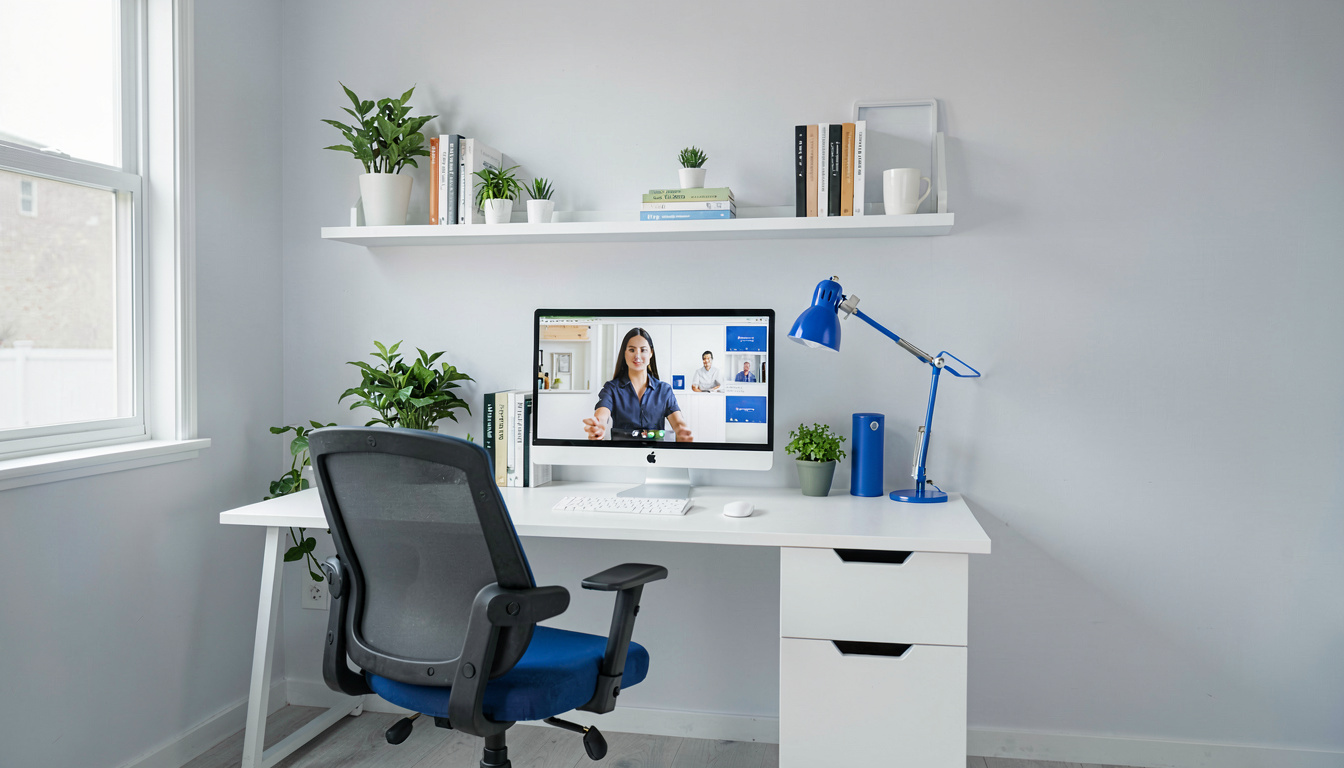
3. Use a second light (or a window) on the opposite side at half brightness for fill light.
Ring light vs key light vs window light – which is best?
For most remote workers, a ring light offers the best balance of price, portability, and ease of use. But a key light (a softbox or panel) gives a softer, more professional look. And natural window light is free — but inconsistent.
Let’s compare:
Ring light – Creates a circular catch light in your eyes that makes you look engaged. The Yarrashop Desk Ring Light with Stand is the top pick from Wirecutter because it’s small, lightweight, and has a soft glow. Downsides: it can create a “halo” shadow if too close, and the central hole can leave a dark spot on your face if not angled correctly.
Key light (panel or softbox) – Produces a larger, softer light that wraps around your face more naturally. Products like the SmallRig RM120 RGB Video Light or Harlowe Sol 5 Spectra are excellent. They’re bigger and pricier ($80–200), but give you more control. Best for people who do multiple long calls per day.
Window light – Free and beautiful, but unpredictable. A north-facing window is best because it provides even, indirect light. If you sit 2–3 feet from a window with the light hitting your face at 45 degrees, you’ll look amazing. The problem: clouds, sunset, and shadows can change your look mid-call.
How can I avoid common lighting mistakes like backlighting and harsh shadows?
The #1 mistake is backlighting: having a window or light source behind you. Your webcam adjusts to the brightest spot, making your face dark and shadowy. Here’s how to avoid that and other pitfalls:
- Backlighting: Turn your back to the window, and close the blinds. Put your main light in front of you.
- Harsh overhead lights: Overhead ceiling lights create unflattering shadows under eyes and nose. Turn them off or dim them.
- Direct, undiffused light: A bare bulb pointed at your face creates hot spots. Use a paper towel or a softbox diffuser to scatter light.
- Mixed color temperatures: If your desk lamp is 2700K and your ring light is 5600K, your face looks two-tone. All lights should match.
According to Cisco’s Webex blog, “avoid backlighting” is rule #1. They also recommend putting the brightest light source in front of you — or at a 45-degree angle — and being careful with overhead lighting.
Does proper lighting reduce eye strain and musculoskeletal disorders according to %%WPAIAFF_5%% and %%WPAIAFF_6%%?
Yes — and both recognize that proper lighting is essential to preventing eye strain, fatigue, and associated musculoskeletal disorders (MSDs). While most ergonomic guides focus on chairs and desks, lighting is a hidden factor.
The Occupational Safety and Health Administration sets standards for workplace lighting to minimize glare, shadows, and flicker. A minimum of 30 foot-candles for general office tasks. Poor lighting forces you to squint, lean forward, and adopt awkward postures — which can lead to carpal tunnel syndrome, RSI, and chronic neck pain.
The National Institute for Occupational Safety and Health has published studies linking poor lighting to increased rates of repetitive strain injury (RSI). When you can’t see well, you tense your shoulders and wrists, compounding stress on the musculoskeletal system. Carpal tunnel syndrome, a form of RSI, can be aggravated by poor ergonomics that include lighting.
An ergonomic home office setup must include proper lighting to prevent these conditions. The best defense: use a 5000K daylight LED aimed from 45 degrees, paired with an anti-glare screen. This reduces the need to squint and keeps your posture neutral.
What is the best budget lighting setup under $50?
The best budget lighting setup uses two smart LED bulbs ($30 total) in existing desk lamps, positioned as described above. The Wirecutter guide shows that you don’t need expensive gear.
Here’s your $50 shopping list:
1. 2 x smart LED bulbs (5000K adjustable) – $30. Philips Hue White Ambiance or Wyze Bulb. Both let you set color temp via app.
2. 1 x desk lamp with articulating arm – $20 (or repurpose from home). Place one on each side of your monitor at 45 degrees.
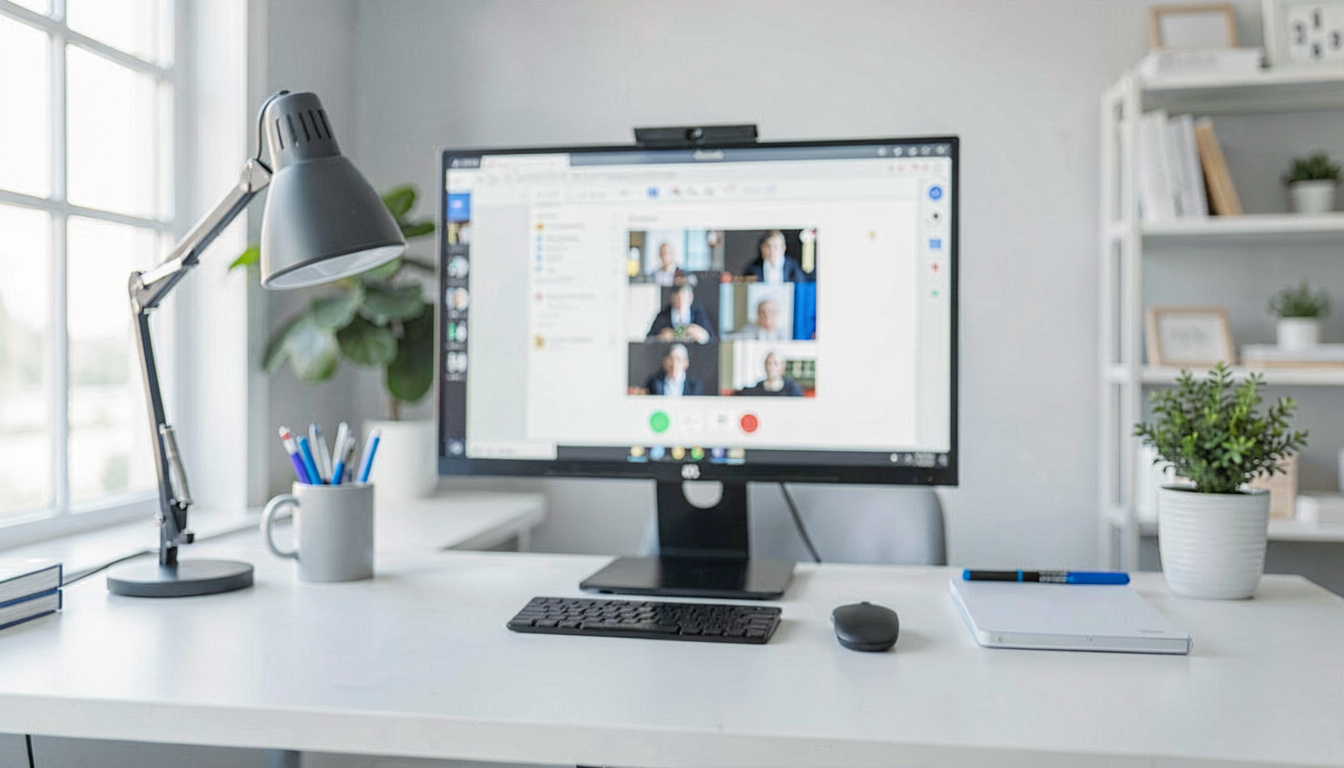
3. Optional: Paper towel diffuser – $0. Clip over the lamp shade to soften light.
That’s it. You’ll get soft, even lighting that beats most ring lights under $50 Drama.
FAQ
Should I use a ring light or softbox for video calls?
For most remote workers, a ring light is simpler and more portable. But a softbox gives a softer, more forgiving light. If you have a dedicated home office, invest in a softbox. If you move between rooms, get a ring light.
Can I use only natural light from a window?
Yes, if the window is in front of you at a 45-degree angle and not behind you. Best results: sit 2 feet from a north-facing window, with the sun behind you. But have a backup light for cloudy days.
What color light makes me look best on Zoom?
A daylight temperature of 5000–6000K gives a natural, vibrant complexion. Avoid warm (3000K) or very cool (6500K+) temps.
How do I set up lighting with a standing desk?
Attach a ring light or small LED panel to a monitor arm or use a floor stand. Make sure the light moves with the desk so your angle stays consistent when you raise or lower it.
Do I need diffusers for my lights?
Yes. Diffused light is much more flattering than bare bulbs. Many ring lights come with a diffuser built-in. For desk lamps, a piece of tissue or a dedicated diffuser sheet softens hotspots.
Related Reading
- Best Ergonomic Office Setup for Home Workers
- Best Headsets for Video Calls and Remote Work
- Best Earbuds for Video Calls and Meetings
Last updated: May 04, 2026
4 thoughts on “Best Home Office Lighting Setup for Video Calls”