Home Office Ergonomics Checklist for Remote Workers

Home Office Ergonomics Checklist for Remote Workers

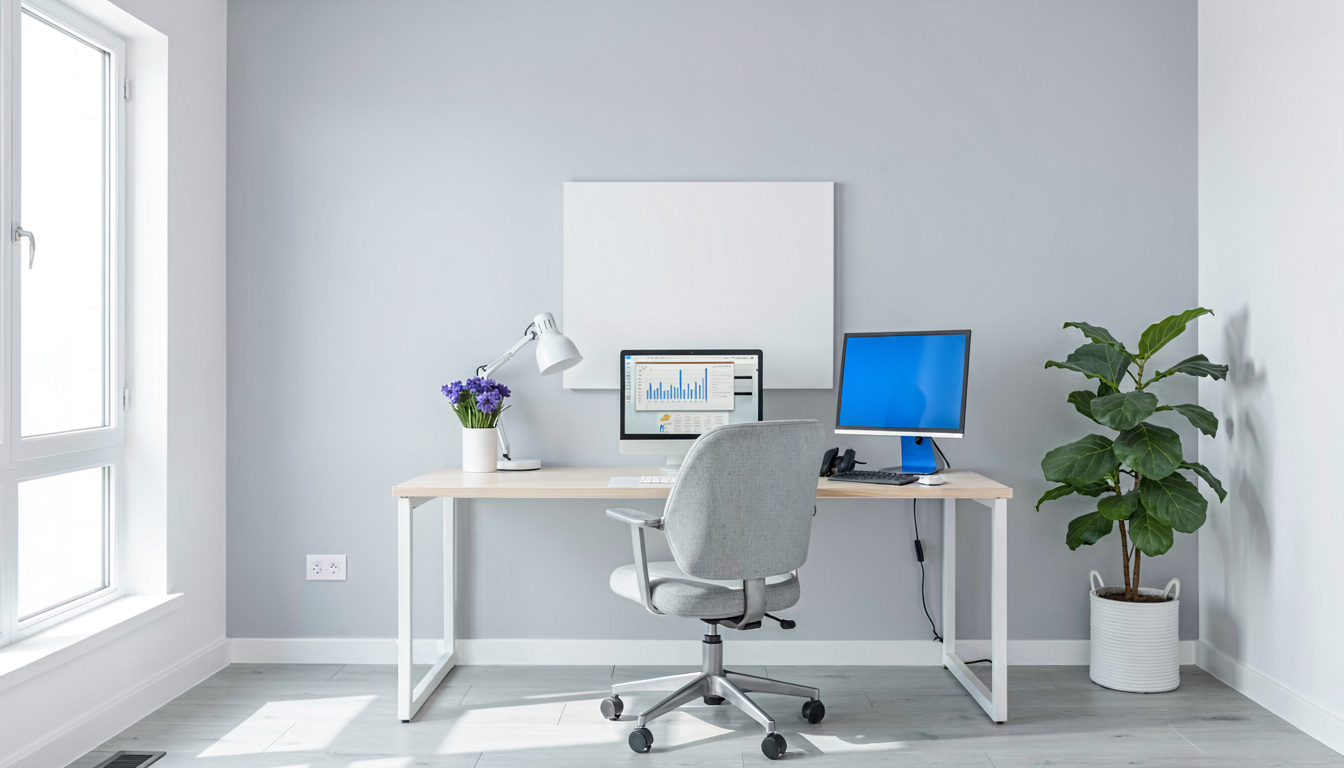
Disclosure: As an Amazon Associate I earn from qualifying purchases. This post may contain affiliate links at no extra cost to you. Quick Answer: Position your monitor top at or slightly below eye level, 20–26 inches away to prevent neck strain Use an external keyboard and mouse to keep wrists straight and prevent carpal tunnel … Read more

Sitting vs Standing at a Desk: Health Effects Explained

Sitting vs Standing at a Desk: Health Effects Explained

Disclosure: As an Amazon Associate I earn from qualifying purchases. This post may contain affiliate links at no extra cost to you. Quick Answer: Sitting 8+ hours daily increases heart disease risk by 20%, but standing all day causes varicose veins and joint fatigue Standing burns only 0.15 extra calories per minute—roughly 54 calories over … Read more

How to Choose Between a Headset and Earbuds for Remote Work

How to Choose Between a Headset and Earbuds for Remote Work

Disclosure: As an Amazon Associate I earn from qualifying purchases. This post may contain affiliate links at no extra cost to you. Quick Answer: Headsets win for 4+ hour daily use due to distributed weight and superior boom microphones positioned 2-3 inches from your mouth Earbuds suit hybrid workers needing portability but risk violating the … Read more

How to Transition from an Office Chair to a Kneeling Chair

How to Transition from an Office Chair to a Kneeling Chair

Disclosure: As an Amazon Associate I earn from qualifying purchases. This post may contain affiliate links at no extra cost to you. Quick Answer: Start with just 15-20 minutes daily for the first week, gradually increasing by 10 minutes every 3-4 days Maintain a 110-130 degree hip angle (not 90 degrees) to reduce pressure on … Read more

How to Choose the Right Desk Size for Your Home Office

How to Choose the Right Desk Size for Your Home Office

Disclosure: As an Amazon Associate I earn from qualifying purchases. This post may contain affiliate links at no extra cost to you. Quick Answer: Minimum 48″ wide × 24″ deep for laptop-only setups; 60″ wide × 30″ deep for permanent home offices with external monitors Height between 28-30″ for sitting; adjustable standing desks prevent musculoskeletal … Read more

Best Practices for Video Call Backgrounds in a Home Office

Best Practices for Video Call Backgrounds in a Home Office

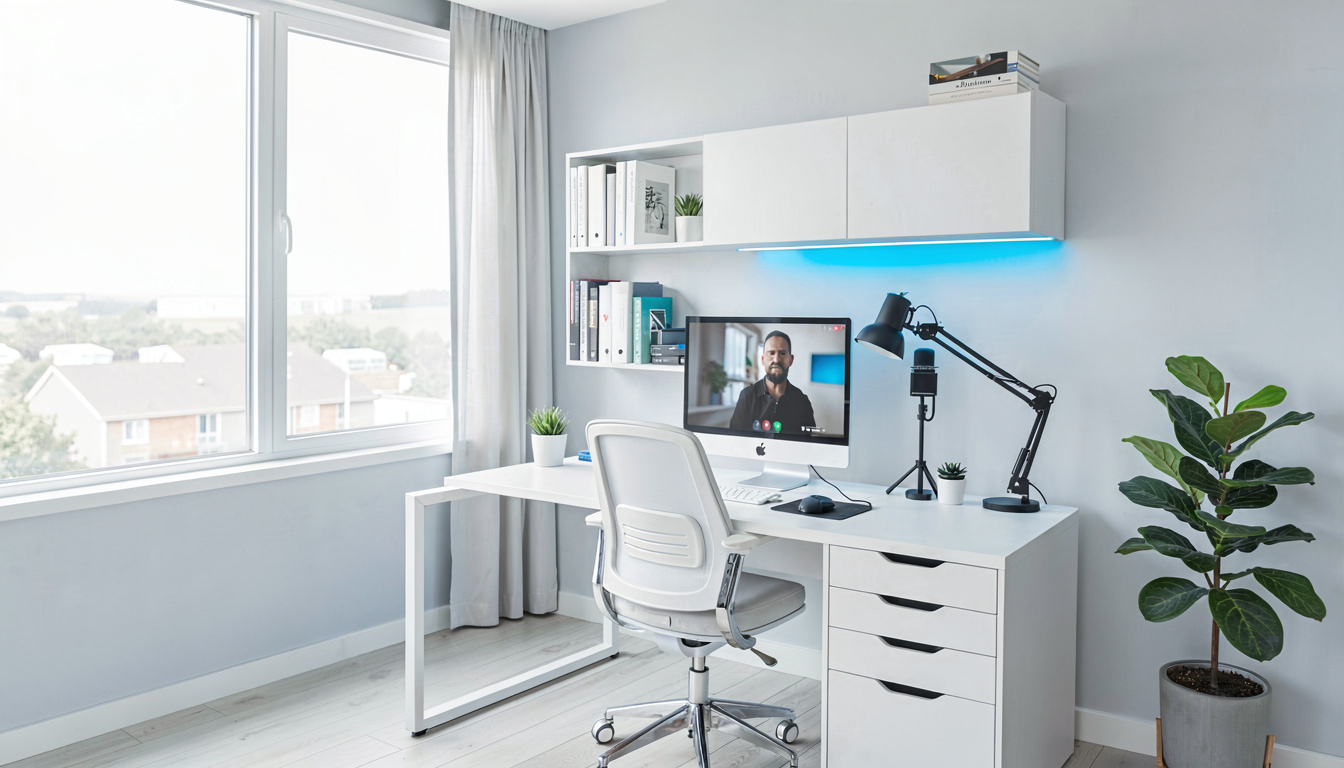
Disclosure: As an Amazon Associate I earn from qualifying purchases. This post may contain affiliate links at no extra cost to you. Quick Answer: Position your camera at eye level with your monitor 20-40 inches away to prevent musculoskeletal disorders per OSHA guidelines An 1080p webcam placed too low or high can cause neck strain … Read more

Best Home Office Lighting Setup for Video Calls

Best Home Office Lighting Setup for Video Calls

Disclosure: As an Amazon Associate I earn from qualifying purchases. This post may contain affiliate links at no extra cost to you. Quick Answer: Use daylight-balanced lights at 5000–6000K for a natural, professional look on video calls. Place your main light 30–45 degrees to the side of your camera and 6–12 inches above eye level … Read more