Disclosure: As an Amazon Associate I earn from qualifying purchases. This post may contain affiliate links at no extra cost to you.
Sources and Further Reading
The guidance in this article draws on published material from the following organizations:
- Computer workstations: keyboards — Occupational Safety and Health Administration
- Computer workstations: pointer and mouse — Occupational Safety and Health Administration
- Computer workstations: wrist and palm supports — Occupational Safety and Health Administration
Last updated: August 29, 2026
- Most home office desks are 48-60 inches wide — a large (35-36 inch) desk pad fits nearly all setups comfortably
- Measure your keyboard, mouse movement zone, and any writing space — then add 4-6 inches of buffer on each side
- Standing desk users should size down slightly (31-33 inches) to accommodate anti-fatigue mat positioning and monitor arm bases
- The biggest mistake? Buying a pad that’s too small — cramped mouse movement is a direct contributor to RSI and carpal tunnel syndrome
Most desk pad buying guides give you a list of sizes and call it a day. They skip the part that actually matters: how your pad size interacts with your keyboard, mouse habits, monitor arm placement, and whether you sit or stand.
I’ve researched the ergonomic guidance, measured the clearance requirements, and cross-referenced what and say about workstation setup. Here’s the complete sizing framework.
| Your Need | Recommended Size | Budget Range | Key Feature |
|---|---|---|---|
| Keyboard only, minimalist desk | Small (23-25″ x 11-12″) | $12-$25 | Thin profile, easy to roll up |
| Keyboard + mouse, standard desk | Medium (30-32″ x 13-15″) | $18-$35 | Balanced footprint, good mouse room |
| Full setup with writing space | Large (35-36″ x 16-17″) | $25-$50 | Sweet spot for most home offices |
| Dual monitors, ultrawide desk | Extra Large (47-48″ x 23-24″) | $40-$80+ | Full coverage, doubles as desk protector |
What are the standard desk pad sizes?

Desk pads come in four standard tiers. Small runs about 23-25 inches wide by 11-12 inches deep. Medium spans 30-32 inches wide by 13-15 inches deep. Large — the most popular — measures 35-36 inches wide by 16-17 inches deep. Extra large tops out at 47-48 inches wide by 23-24 inches deep.
These aren’t random numbers. They’re built around keyboard sizes. A full-size mechanical keyboard with a numpad runs about 17-18 inches wide. A tenkeyless drops to roughly 14 inches. A 60% compact keyboard sits around 11-12 inches.
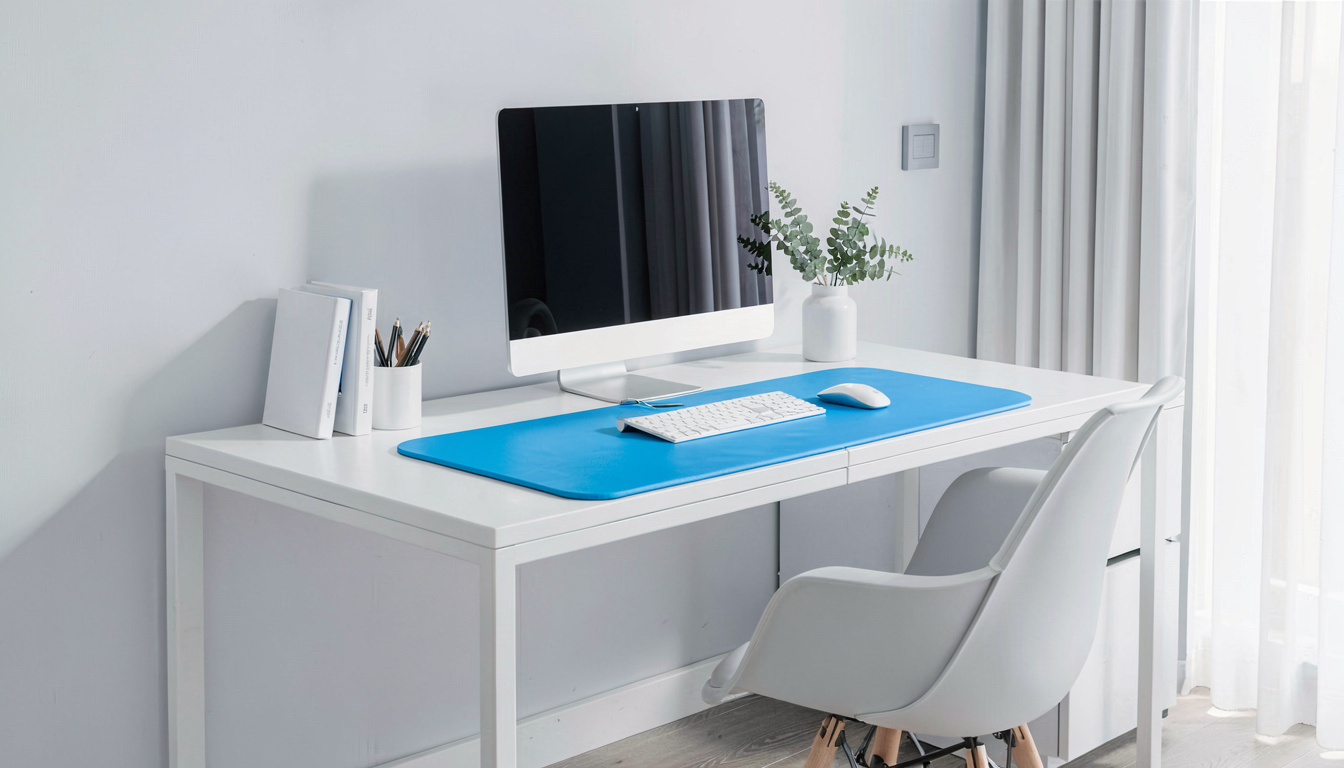
The depth matters just as much. A 16-inch-deep pad leaves room for your keyboard, a wrist rest, and about 6-8 inches of mouse movement. That’s the minimum most people need for comfortable mousing without running off the edge.
How do I measure my desk for a desk pad?
Grab a tape measure. Measure the full width and depth of your desk surface. Now here’s the thing — you don’t want the pad to cover every inch. Leaving 2-3 inches of exposed desk on each side looks better and prevents the pad from hanging over the edge.
For depth, measure from the front edge of your desk back toward your monitor stand or monitor arm base. Most standard desks are 24-30 inches deep. A 16-inch-deep pad leaves you 8-14 inches of clear desk behind it for your monitor base, cable management, or a notebook.
Corner desks and L-shaped setups need extra attention. Measure the main work zone — the section where your keyboard and mouse actually live. Don’t try to cover the entire L. Focus on the primary work surface.
How much space do I need for my keyboard, mouse, and writing?
This is where most people undershoot. A keyboard takes up 12-18 inches of width depending on the model. A mouse needs about 8-10 inches of lateral movement space for comfortable use — more if you’re a gamer or designer using low-DPI settings.
Now add writing space. If you jot notes, sign documents, or sketch at your desk, you need an additional 10-14 inches of clear pad. Total that up: keyboard (17″) + mouse zone (10″) + writing space (12″) = roughly 39 inches of usable width. That’s already pushing past what a large pad offers.
The reality? Most people don’t write directly on their desk pad. They keep a notebook to the side, on the bare desk surface. So the practical formula is keyboard width plus 14 inches for mousing. For most full-size keyboards, that lands you right in the 31-35 inch sweet spot.
How does a desk pad help can help reduce the strain associated with carpal tunnel syndrome and RSI?
Carpal tunnel syndrome is a form of RSI — repetitive strain injury — caused by prolonged pressure on the median nerve in your wrist. Repetitive motion and awkward wrist positioning are primary risk factors for developing RSI and carpal tunnel syndrome in office workers. Your desk pad plays a direct role here that most people overlook.
A too-small pad forces your mouse hand into awkward positions. You start chicken-winging your elbow. You twist your wrist at uncomfortable angles to stay on the pad. Do that for eight hours a day, five days a week, and the microtrauma adds up fast.
A properly sized pad gives you enough room to keep your wrist neutral. Your forearm stays parallel to the desk edge. Your mouse movements come from the elbow and shoulder — not the wrist. That biomechanical difference is the line between healthy computing and a repetitive strain injury diagnosis.
RSI caused by poor ergonomics is entirely preventable. An ergonomic chair helps can help reduce the strain associated with carpal tunnel syndrome by keeping your shoulders relaxed and arms at the right height. But the chair only does half the job — your desk pad handles the contact surface where the actual strain accumulates.
“Insufficient mousing surface area forces lateral wrist deviation — a known biomechanical risk factor for carpal tunnel syndrome. Workers who consistently run their mouse off the edge of a small pad report significantly higher rates of wrist discomfort within the first year.”
What do say about desk ergonomics?
Input devices be positioned at the same height and within easy reach — without requiring the worker to lean, stretch, or twist.
A desk pad that’s too small violates this principle. You end up reaching. You lean. You shift your posture to compensate. Over time, that compensation pattern contributes to musculoskeletal disorder development across the neck, shoulders, and upper back.
NIOSH takes a research-driven approach. Their ergonomics guidelines emphasize neutral postures: wrists straight, forearms parallel to the floor, shoulders relaxed. The right desk pad size keeps everything within the “neutral zone” — the area where your hands naturally fall without reaching. For most adults, that zone spans about 30-36 inches wide.
Musculoskeletal disorder prevention starts with surface area. A standing desk helps can help reduce the strain associated with musculoskeletal disorder by letting you alternate between sitting and standing throughout the day. But pair a standing desk with an undersized pad, and you’re still fighting the same biomechanical problems — just at a different height.
What size desk pad works best with a standing desk?
Standing desks complicate pad sizing in ways most guides miss. When you stand, your weight shifts, your arm angle changes slightly, and your mouse movements often become broader. You’re also managing additional accessories — a monitor arm takes up desk real estate behind the pad, and an anti-fatigue mat sits underneath you.
For standing desk setups, I recommend sizing down one tier from what you’d use on a sitting desk. If you’d normally buy a large (35-36″), go with a medium-large (31-33″). Here’s why: standing desk frames take up under-desk space, and many users place anti-fatigue mats that shift their standing position. A slightly smaller pad gives you flexibility to adjust.
Monitor arms also factor in. A clamped monitor arm occupies 2-3 inches of desk edge space. On a 48-inch desk, subtracting the arm clamp and side margins leaves about 40-42 inches of usable surface. An extra-large 47-inch pad would crowd right up against the arm base. A large 35-inch pad leaves breathing room on both sides.
Noise-canceling headphones don’t affect pad size directly — but they’re worth mentioning. Standing desk users often pair them with the setup because the standing position puts you farther from desk-level speakers. Just something to consider if you’re building out a full standing workstation.
What are the biggest mistakes when choosing a desk pad size?
Mistake one: buying a small pad for a full-size keyboard. This one comes up constantly. People see a 25-inch pad, think it looks fine, then discover their 17-inch keyboard leaves only 4 inches of mouse space on each side. That’s not enough. You’ll be lifting and repositioning your mouse every few seconds.
Mistake two: ignoring desk depth entirely. A 24-inch-deep extra-large pad on a 24-inch-deep desk means zero clearance. Your monitor stand sits on top of the pad. Cables bunch up awkwardly. The setup looks cluttered even when it’s organized.
Mistake three: forgetting about the wrist rest. If you use a separate gel or memory foam wrist rest in front of your keyboard, that adds 2-3 inches of depth consumption. Your 16-inch-deep pad just became effectively 13 inches deep when you account for the wrist rest footprint.
Mistake four — and this one causes real harm — is sticking with a cramped setup for years. RSI caused by poor ergonomics doesn’t show up overnight. It accumulates. By the time you feel tingling or numbness, you’ve likely been working with inadequate surface area for months or years.
How much should I budget for a quality desk pad?
Under $20 gets you a basic small or medium pad. Materials are usually simple PU leather or thin felt. These work fine for light use — a laptop on a kitchen table, a student desk. Expect 6-12 months of daily use before the edges start curling or the surface shows wear.
The $25-$40 range is the sweet spot for large pads. You get better materials — thicker PU leather, merino wool felt blends, or dual-layer cork. Stitched edges instead of heat-sealed. Non-slip cork or rubber backing that actually stays put on wood and glass desks.
Over $50 puts you into premium territory. Full-grain leather, 5mm+ thickness, and sizes up to extra large. These pads last years, develop a patina, and double as a desk protector against scratches and spills. The diminishing returns kick in around $60-$70 — beyond that, you’re paying for brand name or exotic materials.
What do ergonomics experts recommend for desk pad sizing?
The consensus among occupational health specialists is clear: a desk pad should be wide enough that your mouse never leaves the surface during normal use. That means the pad extends at least 6-8 inches beyond the right edge of your keyboard (for right-handed users).
Depth-wise, the pad should accommodate your keyboard plus any wrist support without pushing your hands to the very front edge. A pad that ends right where your keyboard sits forces your wrists onto the hard desk surface — directly contradicting what an ergonomic chair is designed to support in terms of arm alignment.
“A desk pad is not a decorative accessory — it’s the primary interface between the worker and the workstation. When sized correctly, it maintains neutral wrist posture across the full range of mouse travel. It satisfies ‘s reach-zone principles, it accommodates the neutral wrist positioning recommends, and it provides enough surface area to prevent the awkward postures that lead to RSI and carpal tunnel syndrome.
Related Articles
- Best standing desk accessories for a complete ergonomic setup
- Ergonomic desk setup guide: from chair to monitor height
- How to choose an ergonomic chair for your home office
- Essential desk accessories every home office needs
- Do you need an anti-fatigue mat for your standing desk?
Frequently Asked Questions
What is the most common desk pad size for home offices?
The large 35-36 inch by 16-17 inch pad is the most common and versatile size. It fits standard 48-60 inch desks, accommodates a full-size keyboard with generous mouse room, and leaves enough exposed desk surface for a monitor stand or writing space on the sides.
Can I use a desk pad on a standing desk?
Yes — and you should. A desk pad on a standing desk provides the same ergonomic benefits as on a sitting desk. Just size down slightly from your sitting preference. The standing position, combined with an anti-fatigue mat and monitor arm clearance, favors a pad in the 31-33 inch range rather than a full 36-inch large.
Should a desk pad cover the entire desk?
No. An extra-large 47-48 inch pad covers most of a standard 48-inch desk, but that’s not always ideal. Leaving 2-3 inches of exposed desk on each side looks more intentional, prevents edge hang-over, and gives you space for a monitor arm clamp or cable management channels.
What desk pad size is best for dual monitors?
Dual monitor setups don’t directly change pad sizing — your keyboard and mouse still occupy the same footprint. However, dual monitors often come with a larger monitor stand or dual monitor arm that consumes 6-10 inches of desk depth. Make sure your pad depth leaves clearance behind it for that stand. A 16-inch-deep pad works for most setups.
How thick should a desk pad be for ergonomic support?
Desk pads aren’t designed to provide cushioning support — that’s what a wrist rest does. A pad thickness of 2-5mm is standard. Thicker pads (4-5mm) offer better desk protection and a slightly softer surface. But thickness doesn’t meaningfully impact ergonomics. Proper sizing does.
Do I need a desk pad if I use an ergonomic chair?
Yes. An ergonomic chair can help reduce the strain associated with carpal tunnel syndrome and RSI by positioning your shoulders and upper arms correctly. But the chair doesn’t control what happens at the desk surface. If your mouse runs off a too-small pad, your wrist still twists awkwardly regardless of how well your chair is adjusted. The two work together.
Last updated: August 29, 2026