Disclosure: As an Amazon Associate I earn from qualifying purchases. This post may contain affiliate links at no extra cost to you.
- Small desk organization is a vertical game — monitor risers with storage and wall-mounted shelves reclaim your footprint instantly
- Under-desk drawers and clamping accessories turn dead air into functional storage without sacrificing a single inch of desktop
- Poor desk layout directly contributes to awkward postures that OSHA links to musculoskeletal disorders and carpal tunnel syndrome
- DIY options using pegboard, railing systems, and repurposed kitchen organizers cost under $30 and outperform many branded solutions
You sit down to work. Cables snake across your keyboard. Your coffee cup is balanced on a stack of bills. Your notebook is… somewhere under the monitor, probably.
It’s a 43-inch desk. It should be enough.
But it’s not. Because horizontal space is a trap — one you’re losing to clutter that doesn’t need to be there at all.
Here’s the thing: most people organize a small desk by pushing things around on the surface. That’s rearranging, not solving. The real answer is moving storage off the desk entirely, then being ruthless about what earns surface rights.
Cluttered or poorly arranged workstations force repetitive, awkward reaches that are a primary contributor to repetitive strain injury (RSI). Explicitly that frequently used items should be within a 16-inch forearm sweep — anything outside that zone creates micro-stressors that compound into musculoskeletal disorders over weeks and months.
This isn’t just about tidiness. It’s about making your body work less.
Let’s fix the setup. Here are organizer ideas that actually work for desks under 48 inches wide — with product picks, DIY builds, and the ergonomic justification for every move.
| Strategy | What It Solves | Cost Range |
|---|---|---|
| Monitor riser with storage | Lifts screen to eye height; creates under-deck storage bay | $25–$80 |
| Under-desk drawer | Removes stationery and accessories from desktop entirely | $15–$50 |
| Wall-mounted shelf/pegboard | Uses vertical airspace you’re currently wasting | $15–$60 |
| Drawer dividers | Stops the junk-drawer spiral; makes retrieval instant | $10–$30 |
| Vertical file organizer | Stands papers upright instead of spreading them flat | $15–$40 |
Why does a cluttered small desk increase RSI risk?
Because a cramped desk forces you to reach outside ’s recommended neutral posture zone, turning every pen grab into a repetitive micro-strain.
Here’s the mechanism. Ergonomics guidance define a “neutral reach zone” as the arc your forearm sweeps while your elbow stays at your side — roughly 16 to 18 inches. When you store a stapler 22 inches away because the near space is occupied by clutter, you extend past neutral. You do that 30 times a day. Over months, the tendons in your forearm and wrist accumulate micro-tears.
That’s repetitive strain injury. And carpal tunnel syndrome is one specific form of RSI — where the median nerve running through the wrist gets compressed by inflamed tendons.
Research on workstation layout has shown that even small deviations from neutral posture, repeated across a workweek, elevate the risk profile for musculoskeletal disorders. The solution isn’t a wrist brace. It’s putting things where your hands naturally fall.
How does a monitor riser with storage solve two problems at once?
It lifts your screen to eye level — which prevents the forward head posture that associates with neck and shoulder disorders — while creating a useable storage bay directly underneath.
Most laptops and standalone monitors sit 4 to 6 inches too low. When you look down, your head exerts roughly 60 pounds of force on your cervical spine, according to biomechanical research cited in ’s musculoskeletal disorder prevention literature. That’s the equivalent of your neck holding a bag of cement for hours.
A monitor riser corrects this. It raises the screen so your eyes align with the top third of the display. And the empty space underneath becomes prime storage real estate.
Narrow risers (under 16 inches wide) typically feature a single shelf. Wider models add drawers, cubbies, or sliding trays. For a 40-inch desk, a riser with two side cubbies lets you stash a keyboard when not in use, plus notebooks and a phone stand.
DIY option: two short shelf brackets and a finished pine board cut to desk width. Sand, stain, and seal. Total material cost runs about $18. Screw the brackets into the board from underneath, and you’ve got a custom riser with exactly the vertical clearance you need.
What’s the best way to add drawers to a desk that has none?
Screw-mount under-desk drawers and clamp-on sliding trays let you add closed storage without losing knee clearance or floor space.
Most small desks ship with zero drawers. The surface becomes a catch-all by day three. Under-desk drawers fix this elegantly — they bolt to the underside of the desktop and slide out on rails.
The important spec: clearance. Measure from the underside of your desk to the top of your thighs when seated. You need at least 5 inches of gap for a shallow drawer, and 7-plus for one that holds thicker items.
Clamp-on variants attach with a C-clamp mechanism — no drilling, renter-friendly, and removable in 30 seconds. They’re typically 12 to 14 inches wide and 2 to 3 inches deep, sized perfectly for sticky notes, charging cables, and a small notebook.
“Workstations that lack accessible, organized storage consistently correlate with higher reported rates of shoulder and wrist discomfort, because the user reaches further and more often than necessary.”
Avoid fabric hanging organizers that dangle from the desk edge. They sway, they collect dust in open compartments, and they encroach on leg space. A rigid drawer with ball-bearing slides is worth every extra dollar.
How do wall-mounted shelves transform a small desk setup?
They relocate reference books, supplies, and decorative items to the vertical plane, effectively doubling your usable workspace without touching the desk footprint.
Think of the wall above and beside your desk as unzoned storage. A single 36-inch shelf mounted at eye height holds 10 to 15 pounds — that’s your router, a plant, three books, and a pencil cup off the desk surface instantly.
For items you grab constantly, a pegboard performs even better. Mount a 24-by-36-inch sheet to the wall. Add pegs, small baskets, and a dedicated shelf bracket for heavier items. Everything is visible at a glance — there’s no drawer to open, which means retrieval is a single motion within the neutral reach zone.
DIY railing system: IKEA’s HULTARP rail with matching hooks and baskets runs about $22 for a 23-inch setup. Mount it to studs (critical — drywall anchors alone fail under dynamic load). Hang scissors on an S-hook, a small bin for pens, and a clip for important notes. Total depth off the wall is under 4 inches.
Why do drawer dividers matter more on a small desk?
Because when a desk has only one or two drawers, every cubic inch counts — unorganized drawers overflow, forcing items back onto the surface.
A single shallow drawer becomes chaos in about two weeks. Pens migrate to the front. Sticky notes wedge into corners. You end up leaving things on the desk because finding them in the drawer takes too long. That’s a cycle: drawer becomes junk receptacle, desk becomes primary storage, desk shrinks.
Dividers break the cycle. Bamboo expandable trays (adjustable width from 11 to 17 inches) cost around $18 and create defined zones: one for writing tools, one for tech accessories, one for personal items.
The ergonomic win: item retrieval time drops to under a second. No rummaging, no sideways wrist flicking. Carpal tunnel syndrome is aggravated by repetitive twisting motions — the kind you make digging through an overstuffed drawer.
What makes a vertical file organizer better than a stack tray on a small desk?
Stack trays spread papers over a broad footprint — a vertical file stands them on edge, reducing the desktop footprint by roughly 70 percent for the same document count.
Picture a stack tray: three tiers, each 9 by 12 inches. That’s 108 square inches of desk gone. A vertical file organizer with six slots is typically 5 inches wide by 10 inches deep. Three times the document separation in less than half the footprint.
Wall-mounted vertical files exist too — essentially a magazine rack repurposed for active project folders. Mount one at shoulder height beside your monitor arm. It reclaims zero desk space.
If you use a standing desk, vertical files perform particularly well. The standing position naturally tilts your gaze forward at wall level, making wall-mounted files easier to scan than desk-level stack trays that require looking down repeatedly — a motion that strains the cervical spine.
How do ergonomic accessories indirectly organize a small desk?
Proper ergonomic gear — a monitor arm, an ergonomic chair, and even noise-canceling headphones — eliminates clutter by replacing makeshift solutions that eat up surface space.
A monitor arm clamps to the desk edge and suspends the screen above the surface. That immediately frees the entire footprint under the monitor — roughly 60 to 80 square inches, in most setups — without needing a riser. The arm’s base clamp takes up about 3 square inches.
An ergonomic chair that positions you correctly reduces the urge to pile cushions, rolled towels, or improvised footrests around the desk. If the chair adjusts to fit your body, the bandaids disappear. Carpal tunnel syndrome prevention literature consistently emphasizes that posture starts at the seat — if the chair is too low or too high, the wrists compensate with bent positions that compress the median nerve. An ergonomic chair can help reduce the strain associated with RSI by neutralizing the entire chain from hip to fingertip.
(Secondary entity note: noise-canceling headphones earn a mention here because audio clutter creates mental clutter. When you can’t hear the neighbor’s leaf blower, you finish tasks faster, you clear the reference papers off the desk sooner, and the surface stays clear. It’s indirect but real.)
What does say about workstation organization and musculoskeletal disorders?
’s ergonomics guidelines don’t directly mandate “tidy your desk,” but they repeatedly emphasize that workstations should be arranged so frequently used items sit within the neutral reach zone — and that means organized storage is a compliance issue, not a preference.
’s approach to musculoskeletal disorders focuses on risk-factor reduction: force, repetition, and awkward posture. A disorganized desk forces awkward posture every time you reach outside neutral. The agency’s ergonomics program recommendations list workstation layout as a primary engineering control.
In practice, that means if your phone sits 20 inches away on a stack of papers, you’re performing a non-neutral reach every time it rings.
Goes further, explicitly linking poorly organized workstations to elevated rates of RSI across desk-based occupations. The fix isn’t expensive equipment, the agency notes — it’s systematic organization that keeps tools within the hand’s natural path.
Can a standing desk help can help reduce the strain associated with carpal tunnel syndrome and RSI?
A standing desk doesn’t directly may ease carpal tunnel syndrome, but it reduces the static seated posture that contributes to overall RSI risk by changing joint angles throughout the day.
Here’s the distinction. Carpal tunnel syndrome is a specific median-nerve compression at the wrist. Standing doesn’t uncompress that nerve. But standing changes your forearm angle relative to the desk, engages postural muscles differently, and encourages micro-movements that prevent the sustained static loading that triggers many forms of RSI.
When a standing desk is paired with an anti-fatigue mat, users tend to shift weight more frequently. That dynamic movement pattern interrupts the fixed wrist posture that prolonged sitting enforces. Musculoskeletal disorder prevention literature increasingly supports alternating sit-stand positions rather than sustained standing or sitting — the variation is the protective mechanism.
“RSI is caused by poor ergonomics sustained over time — not by a single bad chair or a single low monitor, but by a system of mismatched positions that compound. The workstation that prevents injury is the one where the user never has to think about reaching.”
DIY desk organizer: a $25 pegboard system that outperforms retail
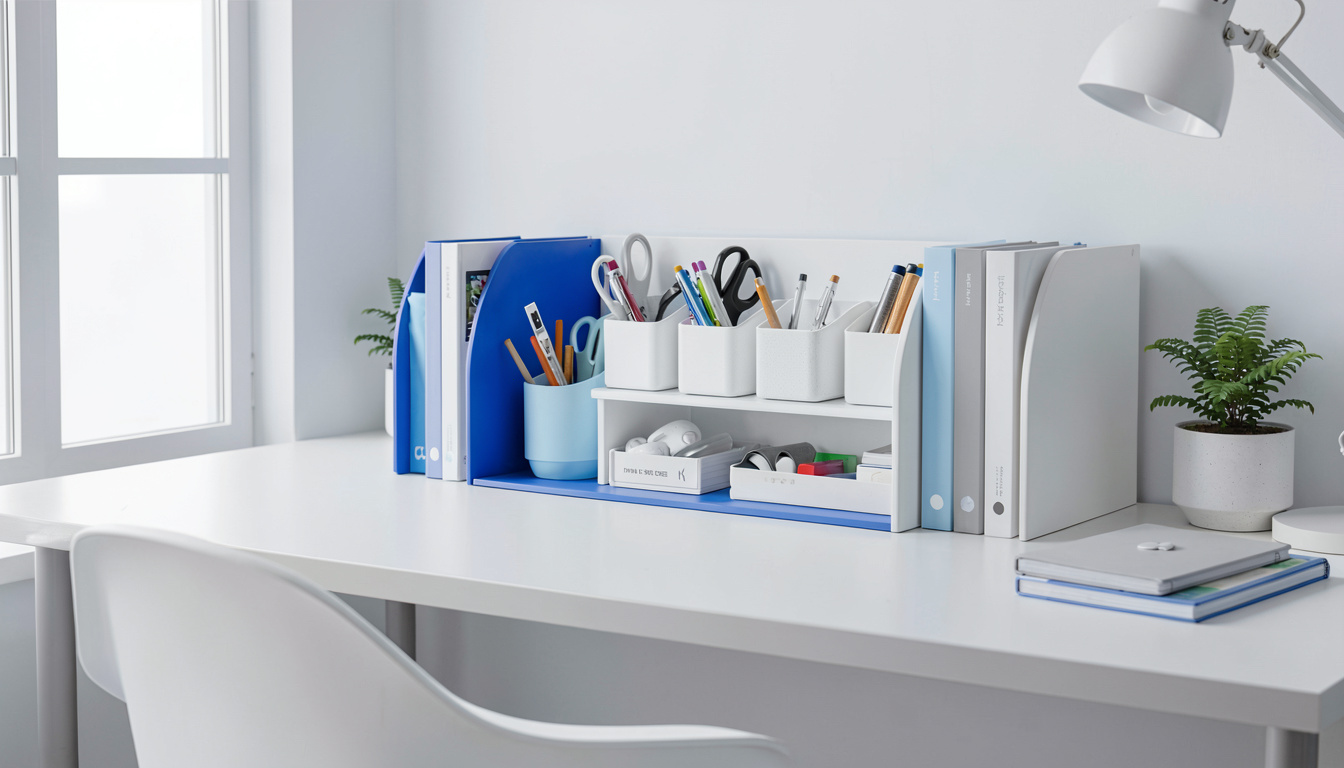
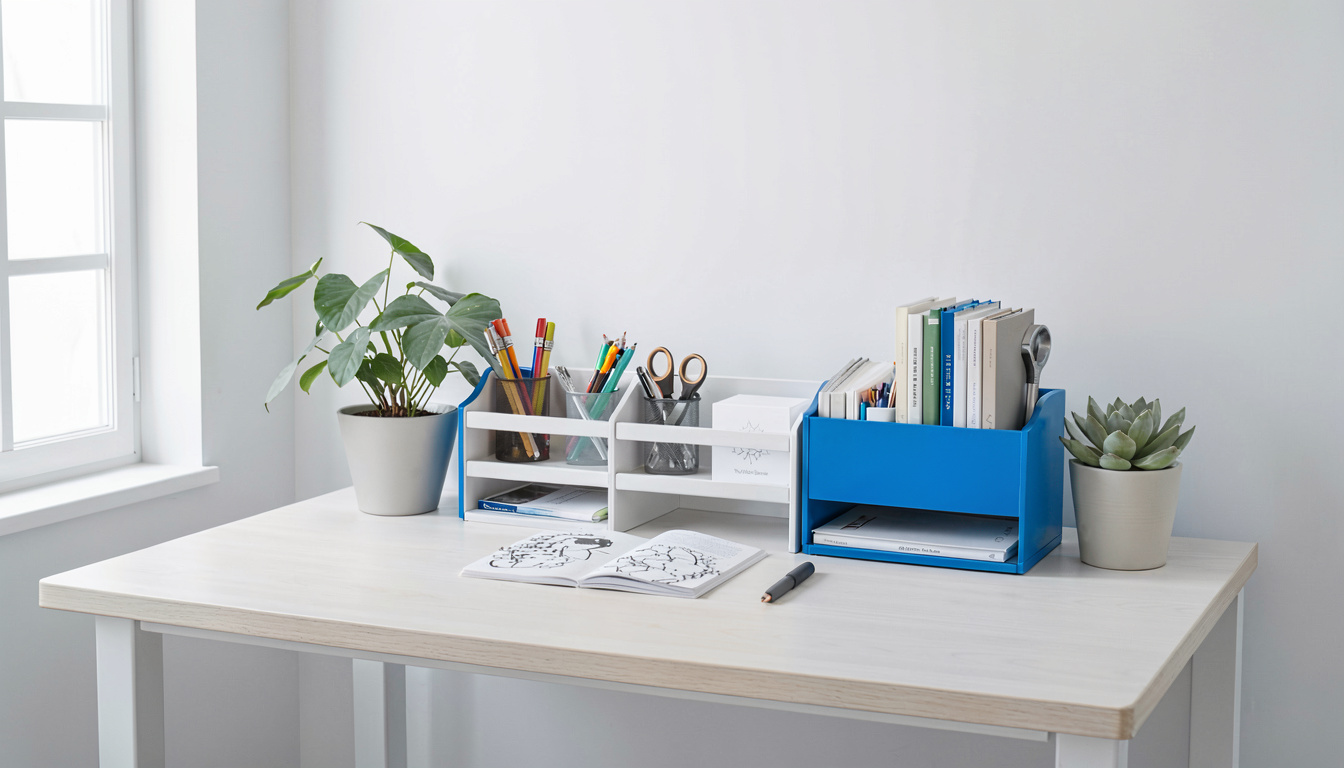
One 24-by-36-inch tempered pegboard panel, four standoffs, eight wood screws, and $12 worth of hooks and baskets gives you a fully customizable wall organizer in under an hour.
Here’s the build. Buy the pegboard at any hardware store — they’ll often cut it to size for free. Sand the edges smooth. Paint it matte black or white if the raw brown doesn’t match your setup.
Mount it to wall studs using 2-inch standoffs (the spacers create the gap behind the board where hooks sit). This step is non-negotiable: pegboard without standoffs is a flat decoration, because hooks can’t insert into holes without rear clearance.
Once mounted, populate it with:
- Two wire baskets (4-by-6 inches) for cables and chargers.
- Four straight peg hooks for headphones and a coiled cable.
- One shelf bracket with a small scrap-wood shelf for a plant or speaker.
Total cost is about $25. Total footprint on the desk is zero. Everything is in your peripheral vision and within neutral reach.
Frequently Asked Questions
How many items should realistically stay on a small desk surface?
Aim for four to six permanent items: monitor, keyboard, mouse, one pen cup or tool holder, and optionally a phone stand. Everything else should live in a drawer, on a shelf, or in a wall-mounted organizer. Research supports keeping the immediate work zone clear to minimize repeated reaching outside the neutral arc.
Does a monitor arm really save that much space compared to a riser?
A monitor arm reclaims roughly 60 to 80 square inches compared to the monitor’s standard base, and it works without occupying the under-monitor zone at all — unlike a riser, which fills that space. If you need storage, a riser wins. If you need pure surface reclaim, the arm is more aggressive.
Are clamp-on organizers safe for glass desks?
No. Glass desktops distribute pressure unevenly, and clamp mechanisms concentrate force into a small contact area. The glass can fracture suddenly. Use freestanding risers or wall-mounted solutions only.
How do I organize cables on a small desk without a cable tray?
Adhesive cable clips route cords along the desk edge. A cable sleeve bundles multiple wires into a single manageable snake. Mount a small adhesive hook underneath the desk to anchor a surge protector off the floor. All three solutions together cost under $15.
What’s the first thing to buy for a desk with zero storage?
A screw-mount under-desk drawer or a two-shelf monitor riser — pick based on whether you have knee clearance. These two items create closed storage instantly and prevent the “surface creep” where everything migrates to the desktop within a week of setup.
Related Articles
- Standing desk converters for small spaces
- Best ergonomic chairs under $200
- Cable management tips for clean desk setups
- Monitor arm vs. riser: which improves ergonomics more?
What This Gear Does Not Do Well
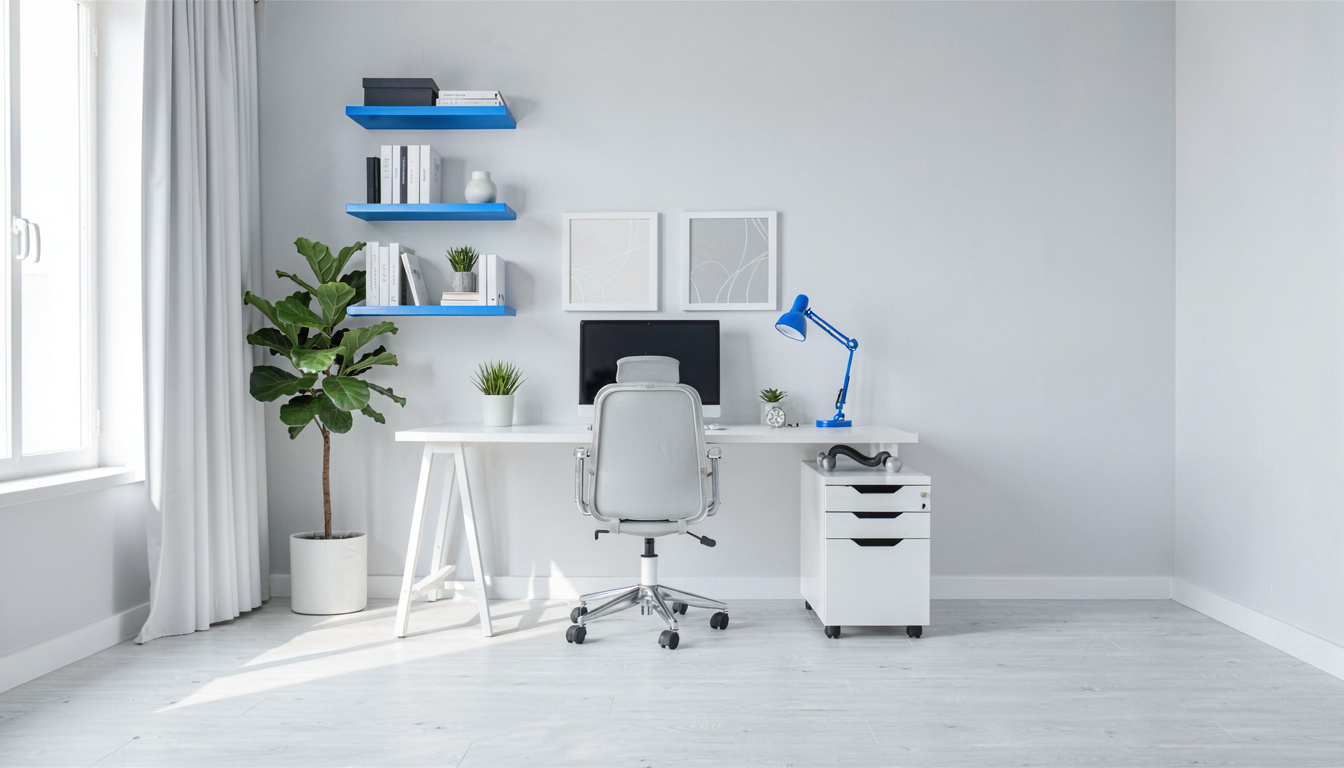
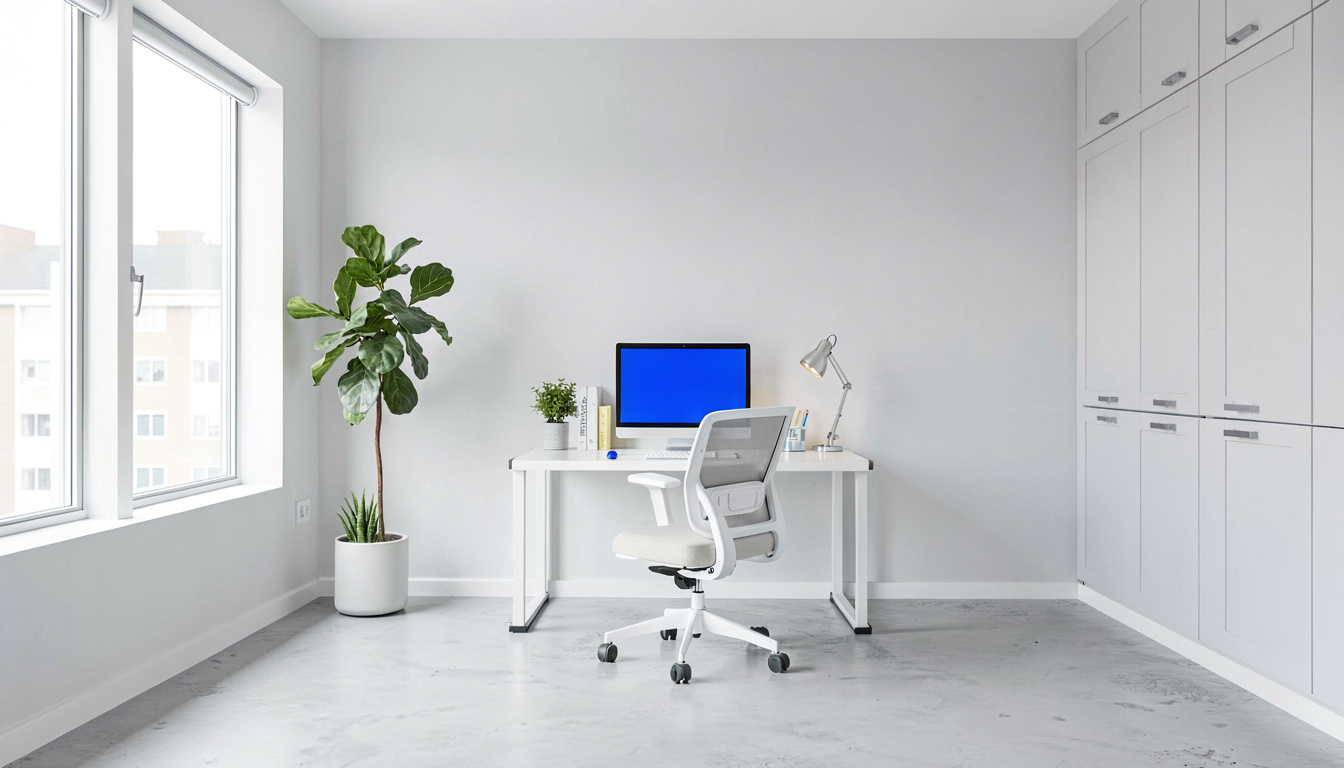
However, many vertical file organizers and monitor risers are built for standard letter-sized paper and full-sized peripherals, leaving an awkward footprint on desks that are truly tiny. A riser with built-in storage often lifts the monitor higher than is comfortable for shorter users, forcing you to tilt your neck up and undoing the ergonomic relief you hoped for. Drawer modules that clamp under the desk can reduce thigh clearance, making it tough to sit comfortably if the desk is already shallow. Wall-mounted shelves solve one problem but tether you to a specific layout, requiring holes in the wall and losing the flexibility to rearrange when your workflow changes.
Sources and Further Reading
The guidance in this article draws on published material from the following organizations:
- Computer workstations: monitors — Occupational Safety and Health Administration
- Computer workstations: keyboards — Occupational Safety and Health Administration
- Computer workstations: pointer and mouse — Occupational Safety and Health Administration
Last updated: August 29, 2026
1 thought on “Desk Organizer Ideas Small Desks”