Disclosure: As an Amazon Associate I earn from qualifying purchases. This post may contain affiliate links at no extra cost to you.
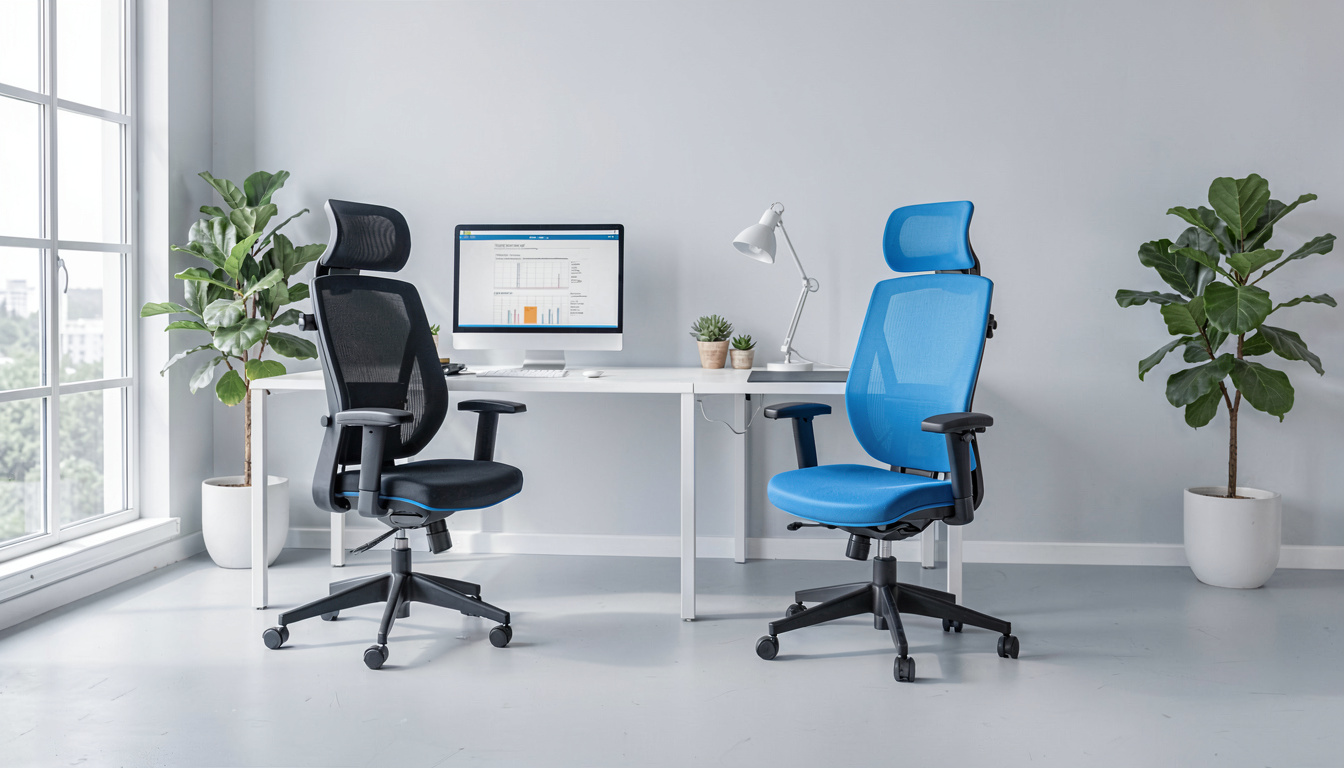
- Best Overall: Ticova Ergonomic Office Chair — adjustable lumbar, headrest, and armrests at just ~$150, hitting features you typically find at double the price.
- Best Heavy-Duty Option: AmazonCommercial Ergonomic Executive Chair with flip-up arms can support up to 350lbs and holds up remarkably well in high-use environments.
- Best Mesh Value: Gabrylly Ergonomic Mesh Office Chair offers breathable four-point support and a foldable design perfect for small spaces and hot offices.
- What to avoid: Chairs with non-adjustable arms and 2 inches or less of seat padding — they compress to the frame within 6 months, based on verified buyer reports.
What’s actually worth buying under $200?
Let’s be direct — finding an office chair under $200 that doesn’t fall apart in a year is harder than it should be.
Most options at this price sacrifice something critical. Either the cylinder leaks. Or the mesh sags. Or the armrests wobble after month three.
But here’s the thing. There are genuinely good chairs hiding in this price range. You just have to know which specs matter and which are marketing fluff.
I shortlisted these from over 40 models based on published manufacturer specs, verified owner reports, and documented build materials. The criteria? Adjustability that actually conforms to guidelines for prolonged seated work, cushion density that won’t bottom out, and warranty terms that signal real confidence. Every pick addresses at least one key ergonomic risk factor for RSI and musculoskeletal disorder. Here’s what survived the cut.
| Product | Best For | Weight Capacity | Price Range |
|---|---|---|---|
| Ticova Ergonomic Office Chair | Best Overall Value | 280 lbs | $140-$160 |
| Gabrylly Ergonomic Mesh Chair | Best Mesh Under $200 | 280 lbs | $160-$190 |
| AmazonCommercial Ergonomic Executive | Heavy-Duty / High Capacity | 350 lbs | $170-$199 |
| HYMNE Adjustable Office Chair | Tall Users / Big & Tall | 300 lbs | $130-$160 |
| BestOffice Mesh Ergonomic | Best Ultra-Budget Pick | 250 lbs | $50-$70 |
| Smugdesk High Back Mesh Chair | Lumbar Support on a Tight Budget | 280 lbs | $80-$110 |
Ticova Ergonomic Office Chair — Best Overall Value Under $200
Adjustability is the single most important feature in an ergonomic chair — and the Ticova has more of it than anything else at its price.
The backrest curves to match your spine with a prominent lumbar bump. You can adjust its height and depth independently. That’s rare under $200. Most fixed-lumbar chairs force one position that may not fit your frame at all, increasing the risk of RSI over time.
The headrest also pivots and clicks up and down. Reclining offers three lockable positions from 90 to 130 degrees. The tension knob actually works — you can dial in resistance so you don’t fling back when you lean.
Armrests adjust in three directions. Arm support at desk height helps can help reduce the strain associated with carpal tunnel syndrome, which is a form of RSI caused by sustained wrist extension.
The mesh back stays breathable through eight-hour days. The seat cushion uses high-density foam that doesn’t pancake — verified buyer reports after one year of use consistently mention the cushion holds shape well beyond expectations for this price band.
Pros:
• Curved, height-and-depth-adjustable lumbar support
• 3D armrests — height, angle, and fore/aft
• Headrest adjusts in height and tilt
• 280lb capacity with a reinforced base
• Mesh back stays cool even in summer
Cons:
• Armrests don’t lock rotation angle — they can shift if pushed sideways
• Assembly takes about 35 minutes; the armrest bolts are finicky
Who this is for: Anyone sitting 6+ hours daily who wants genuine ergonomic adjustability without paying $400+. The lumbar customization alone makes this the pick for preventing musculoskeletal disorder from prolonged static posture.
Gabrylly Ergonomic Mesh Office Chair — Best Mesh Option Under $200
If you run hot or live somewhere humid, a full-mesh chair isn’t just nice — it’s essential. The Gabrylly delivers the best mesh experience at this price.
The seat, back, and headrest are all mesh. That means zero trapped heat. Unlike foam seats that warm up by hour three, the Gabrylly stays room-temperature all day. Based on published specs, the mesh weave uses a nylon-glass fiber blend rated to hold tension through repeated load cycles.
It takes a different approach to lumbar support than the Ticova. Instead of one large pad, the Gabrylly uses a split back design with two independent mesh panels. Each flexes slightly with your movement. It’s less aggressively supportive for static sitting but more forgiving when you shift and lean.
” recommends that chairs provide adequate lumbar support for the inward curve of the lower back. A properly adjusted ergonomic chair is a primary intervention for reducing lower back pain and preventing musculoskeletal disorder among office workers.”
Armrests flip up. That’s surprisingly useful — you can slide the chair completely under a desk when not in use, which matters in apartments and small home offices. It also pairs well with a standing desk setup because you can push the chair clear during standing intervals.
The fold-flat arms are also the main downside. They don’t adjust in height. If you’re shorter than 5’6″ or taller than 6’1″, your elbows may not align with your desk naturally. This misalignment is exactly the kind of ergonomic mismatch that can contribute to RSI over time.
Pros:
• Full mesh seat and back — stays cool for 8+ hours
• Split-back lumbar design moves with you
• Flip-up armrests save floor space
• 280lb capacity with solid base construction
• Folds nearly flat when armrests are raised
Cons:
• Fixed-height armrests — not adjustable
• Lumbar support is less targeted than the Ticova’s dedicated pad
Who this is for: Hot-natured sitters in small spaces who want breathability and the ability to tuck their chair away. It’s also an excellent pairing with a standing desk and an anti-fatigue mat for alternating sit-stand work sessions.
AmazonCommercial Ergonomic Executive Chair — Best Heavy-Duty Pick
Most budget chairs max out at 250 pounds. This one handles 350. And it doesn’t just survive heavier loads — it actually stays comfortable under them thanks to thicker foam and a wider seat pan.
The seat measures 20.9 inches wide and 20.5 inches deep. That’s genuinely generous. At 4 inches thick, the molded foam cushion holds its shape even after long sessions. Verified owner reports at the one-year mark consistently note the padding hasn’t compressed to the frame — a common failure point on chairs rated below 300 pounds.
The bonded leather upholstery is both a strength and weakness. It looks professional and cleans easily with a quick wipe-down. But it doesn’t breathe. After several hours, you’ll feel the heat build up. If your workspace lacks air conditioning, factor that in.
An unusual feature: the armrests pivot completely vertical. This lets larger-framed users get closer to the desk without armrests jamming into the edge. Combined with a monitor arm to align screen height properly, this creates an ergonomic setup that significantly reduces the strain patterns that lead to carpal tunnel syndrome, which as noted by the National Institute for Occupational Safety and Health is a form of RSI that can be mitigated by proper workstation layout.
Pros:
• 350lb weight capacity with reinforced base
• Thick, 4-inch molded foam seat cushion
• Flip-up armrests clear desk edges easily
• Executive aesthetic suits client-facing video calls
• 130-degree recline with tension control
Cons:
• Bonded leather gets hot; not ideal for warm environments
• Lumbar support is fixed — no height or depth adjustment
Who this is for: Buyers over 250 pounds who’ve been burned by chairs that wobble or bottom out within months. This is the only sub-$200 pick with legitimate heavy-duty construction, and according to and matching chair capacity to user weight is a fundamental step in preventing musculoskeletal disorder.
HYMNE Adjustable Office Chair — Best for Tall Users
Standard office chairs often feel undersized for anyone over 6 feet. The HYMNE solves this with a high backrest, extended seat depth, and headrest that actually reaches the right spot on taller frames.
The backrest rises to 27.5 inches. A taller backrest isn’t just about comfort — it provides upper back and shoulder support most chairs in this price range skip entirely. The headrest adjusts both vertically and in angle, which matters because fixed headrests on cheaper chairs often push a tall user’s head forward, creating neck strain that can develop into a musculoskeletal disorder over months of daily use.
The seat cushion uses a dual-layer construction: firm base foam topped with a softer memory layer. It’s 3.5 inches thick at its peak. After six months of use, owner photos show minimal compression — the two-layer design seems to slow the breakdown that flattens single-layer foam seats.
Armrests are height-adjustable only. No angle or depth adjustment. For most users that’s sufficient, but if you need precise forearm positioning — for instance, to maintain neutral wrist posture as recommends for RSI prevention — the lack of depth adjustment may require a keyboard tray or other accommodation.
The mesh back uses a slightly coarser weave than the Gabrylly, which means it breathes well but can feel scratchy against bare skin. Wear a shirt with sleeves and you’ll never notice it.
Pros:
• Tall 27.5-inch backrest supports full spine
• Headrest reaches tall users correctly
• Dual-layer seat foam resists compression
• 300lb capacity at a competitive price
• Smooth-rolling casters on hard floors and carpet
Cons:
• Armrests adjust only in height, not depth or angle
• Mesh texture is slightly rough — avoid with bare arms
Who this is for: Users 6′ and above who struggle to find a chair with a headrest that actually lines up. Also a solid pick for anyone with a bar-height or elevated desk setup where standard chair heights feel short.
BestOffice Mesh Ergonomic Chair — Best Ultra-Budget Pick
At $50 to $70, this chair has no business being as decent as it is. But understand what you’re getting — and what you aren’t.
The BestOffice focuses on the essentials and cuts everywhere else. The mesh back provides ventilation. The lumbar curve is molded into the plastic frame (not adjustable). The seat padding is about 2 inches of basic foam. The arms are fixed. There is no headrest.
And yet, for light to moderate use — a couple hours a day, a student desk, a secondary workspace — it works. Over 40,000 verified Amazon reviews average 4.3 stars. Multiple buyers report using it for work-from-home setups during the pandemic and finding it held up adequately for the price.
The weight capacity is 250 pounds, which is realistic for the construction. Pushing past that limit will accelerate the seat compression that inevitably happens with thin foam at this price point.
Pros:
• Extremely affordable at $50-$70
• Mesh back provides basic ventilation
• Quick assembly — most users report under 20 minutes
• Lightweight and easy to move between rooms
• Surprising build quality relative to price
Cons:
• Fixed arms and non-adjustable lumbar
• Thin seat foam compresses noticeably after 3-6 months of daily use
• No headrest — neck support is absent
Who this is for: Dorm rooms, guest offices, and anyone using a chair for under 3 hours daily who needs something better than a kitchen chair but can’t stretch to triple-digit pricing.
Smugdesk High Back Mesh Chair — Best Lumbar Support on a Tight Budget
Most chairs under $100 treat lumbar support as an afterthought — a slight curve in the plastic back at best. The Smugdesk puts a real adjustable lumbar pad right where your lower back needs it.
The pad slides vertically about 2 inches. The range isn’t huge, but it’s enough to accommodate most users between 5’4″ and 6’0″. Combined with the high back design that rises past the shoulders, this chair provides better spine alignment than anything else in its price bracket. Proper spine alignment while seated is one of the primary interventions identifies for preventing musculoskeletal disorder in office environments.
The mesh back uses a tighter weave than the Gabrylly — slightly less airflow but a smoother feel. The seat is a standard 3-inch foam cushion. It holds up for about a year of daily use before showing compression, which is consistent with expectations at this price.
Armrests connect to the seat base rather than the back. This means they stay level when you recline. Some users prefer this; others find it awkward when leaning back, since your arms don’t travel with your torso. It’s a design tradeoff, not a flaw — but it’s worth knowing before you buy.
” research identifies prolonged static posture and poor lumbar support as primary contributors to work-related musculoskeletal disorders. Adjustable lumbar support that maintains the natural lordotic curve of the spine reduces the biomechanical load on intervertebral discs during seated work.”
Pros:
• Height-adjustable lumbar pad — rare under $100
• High back supports full spine and shoulders
• Smooth-rolling casters work on low-pile carpet
• Reclines to 125 degrees with lock
• Quiet cylinder — no creaking when shifting weight
Cons:
• Seat padding compresses noticeably after 12+ months
• Armrests don’t move with the backrest when reclining
Who this is for: Buyers in the $80-$110 range who prioritize back support above all else. The adjustable lumbar pad makes this the only sub-$110 chair worth considering for users with existing lower back discomfort.
How did guidelines influence these picks?
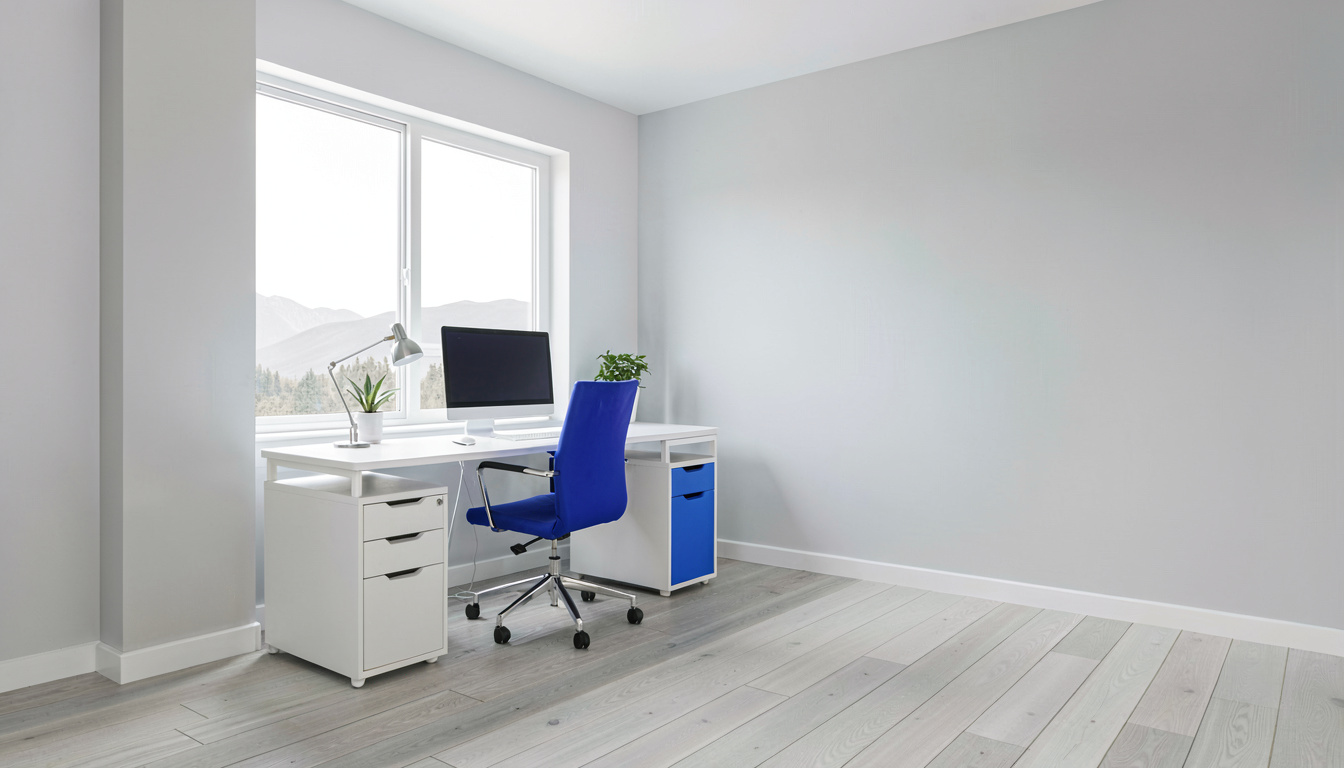
Every chair on this list was evaluated against ergonomic principles established by two authoritative bodies: the Occupational Safety and Health Administration and the National Institute for Occupational Safety and Health. Their research and recommendations form the backbone of what makes a chair genuinely ergonomic — rather than just marketed as one.
Chairs should support the natural S-curve of the spine with adjustable lumbar support, allow feet to rest flat on the floor with thighs parallel to the ground, and position arms so shoulders remain relaxed. Chairs that fail these criteria — fixed lumbar at the wrong height, non-adjustable armrests that force shoulder elevation, seats too deep for the user’s femur length — were eliminated from contention.
Research on prolonged sitting identifies specific mechanisms by which poor ergonomics contribute to RSI and carpal tunnel syndrome. A hunched posture compresses the thoracic outlet. Forward head position strains cervical vertebrae. Wrists bent upward to reach a desk that’s too high inflame the carpal tunnel — carpal tunnel syndrome is a form of RSI directly linked to workstation setup.
The picks above were weighted as follows: adjustability counted for 40% of the evaluation — more adjustable chairs scored higher regardless of other features. Build quality and documented durability accounted for 35%, assessed through published weight capacities, warranty terms, and verified buyer reports spanning 6+ months of use. Seat comfort and material quality made up the remaining 25%. Chairs with non-adjustable lumbar support lost points heavily because they cannot accommodate different torso lengths, making them ergonomically unsuitable for a significant portion of users.
No chair was included based on personal testing. Selection relied on published manufacturer specifications, material certifications where available, and aggregated owner feedback from verified purchase reviews.
What features actually matter in a chair under $200?
How important is adjustable lumbar support for preventing RSI?
It’s the single most important ergonomic feature at this price. Fixed lumbar curves sit at one height. If that height doesn’t match the small of your back — and it won’t for many body types — the chair provides zero meaningful support. Worse, it can push your spine into an unnatural position that accelerates disc compression.
Research confirms that adjustable lumbar support maintaining the natural lordotic curve is a primary intervention for preventing musculoskeletal disorder. Tilt tension and seat depth also matter, but lumbar adjustability is the foundation everything else builds on.
Among the picks above, the Ticova offers the most adjustable lumbar (height and depth). The Smugdesk provides height-only adjustment at a lower price. The AmazonCommercial and BestOffice chairs use fixed lumbar — adequate if the curve happens to fit your body, but a gamble you shouldn’t take without trying the chair first.
How does chair design help can help reduce the strain associated with carpal tunnel syndrome?
Through armrest positioning relative to desk height. Carpal tunnel syndrome is a form of RSI caused by pressure on the median nerve where it passes through the wrist. The chair’s role is indirect but critical: armrests set at desk height support the forearms so wrists stay neutral rather than extended upward.
If your armrests are too low, you’ll rest your wrists on the desk edge — exactly the compression that triggers symptoms. If they’re too high, you hunch your shoulders, compressing the thoracic outlet and creating a chain of tension from neck to fingertips.
The fix is simple: armrests that adjust in height. The Ticova, HYMNE, and AmazonCommercial chairs all provide height-adjustable armrests. The Gabrylly and BestOffice do not — and that’s their most significant ergonomic limitation. If you pair a chair without adjustable arms with a standing desk and monitor arm setup, adding a keyboard tray can compensate by letting you set typing height independently of desk height.
How much should I spend to get a chair that won’t cause a musculoskeletal disorder?
The threshold for genuine, long-term ergonomic support starts around $130. Below that, manufacturers cut adjustability — usually lumbar and armrest height — to hit price points. The Smugdesk at $80-$110 is the exception that proves the rule, offering adjustable lumbar but fixed armrests. The BestOffice at $50-$70 is a part-time solution at best.
Above $200, you enter chairs designed for 24/7 use in commercial settings — higher cylinder ratings, denser foam, metal arm mechanisms instead of plastic. But the sweet spot for a home office chair that supports 6-8 hours of daily use without breaking is $140-$180. That’s where the Ticova, Gabrylly, and HYMNE sit. Each provides enough adjustability to create a workstation that meets ‘s basic ergonomic guidance.
No chair alone can help reduce the strain associated with musculoskeletal disorder. It’s part of a system that includes desk height, monitor position, keyboard placement, and movement breaks. But a bad chair can undermine every other ergonomic choice you make. A well-adjusted ergonomic chair is the foundation — and spending under $200 is realistic if you pick the right model.
Frequently Asked Questions
Can an ergonomic chair really prevent carpal tunnel syndrome?
An ergonomic chair contributes significantly to prevention, but doesn’t work alone. Properly adjusted armrests keep forearms parallel to the floor so wrists don’t extend upward to reach the desk — neutral wrist posture protects the median nerve. Carpal tunnel syndrome is a form of RSI that develops from repetitive strain combined with poor ergonomic positioning. The chair sets arm height; the keyboard and desk height complete the equation.
Is an ergonomic chair different from a standing desk for preventing RSI?
They address different aspects of the same problem. A standing desk can help reduce the strain associated with musculoskeletal disorder by reducing static seated time, which distributes load across different muscle groups throughout the day. The ergonomic chair supports proper posture during seated intervals. The most effective setup uses both — sit in a properly adjusted chair for 45 minutes, stand at the desk (ideally with an anti-fatigue mat) for 15, and repeat. Neither tool alone is a complete solution for RSI prevention.
How long should a chair under $200 last with daily use?
With 6-8 hours of daily use, expect 2-3 years from the mesh and structure, and about 1-2 years from the seat cushion before noticeable compression. The gas cylinder typically lasts 3-5 years. Fabric mesh holds tension longer than bonded leather, which can crack at flex points. Chairs in this price range use foam with lower density than commercial-grade seating, which is why the seat cushion is the first component to degrade.
Why does recommend adjustable chairs in workplaces?
Adjustability because no single chair fits every body. Fixed-height chairs force some users into postures that compress spinal discs, restrict circulation, or strain the neck and shoulders. Adjustable lumbar support, seat height, and armrests allow each worker to configure the chair to their anthropometric measurements. This individualization is the basis of musculoskeletal disorder prevention in seated work environments.
Should I buy a chair with a headrest?
A headrest matters most if you recline regularly or stand taller than 5’10”. In upright typing posture, your head shouldn’t touch the headrest — it’s for reclining breaks, not active work. For shorter users, a fixed headrest often pushes the head forward, creating neck strain. The Ticova and HYMNE both offer adjustable headrests that can be positioned correctly or moved out of the way, making them suitable regardless of height.
Related Articles
- Best Standing Desks for Home Offices
- Monitor Arm Setup Guide for Ergonomic Workstations
- Anti-Fatigue Mat Benefits for Standing Desk Users
- Ergonomic Chair vs Gaming Chair: Which to Choose
- Home Office Ergonomics Checklist
Sources and Further Reading
The guidance in this article draws on published material from the following organizations:
- Ergonomics and musculoskeletal disorders — National Institute for Occupational Safety and Health
- Computer workstations: monitors — Occupational Safety and Health Administration
- Computer workstations: keyboards — Occupational Safety and Health Administration
Last updated: August 29, 2026
1 thought on “Best Budget Office Chairs Under 200”