Disclosure: As an Amazon Associate I earn from qualifying purchases. This post may contain affiliate links at no extra cost to you.
- For pure 8-hour productivity, a proper ergonomic office chair (like a Steelcase or Herman Miller) beats any gaming chair on lumbar science and adjustability
- Gaming chairs like Secretlab dominate on recline angle, bundled lumbar pillows, and that wrap-around seat feel — but most fail to meet OSHA’s baseline for sustained task seating
- Under $400, a gaming chair often packs more features per dollar. Over $600, office chairs pull ahead dramatically on build warranty and certified ergonomics
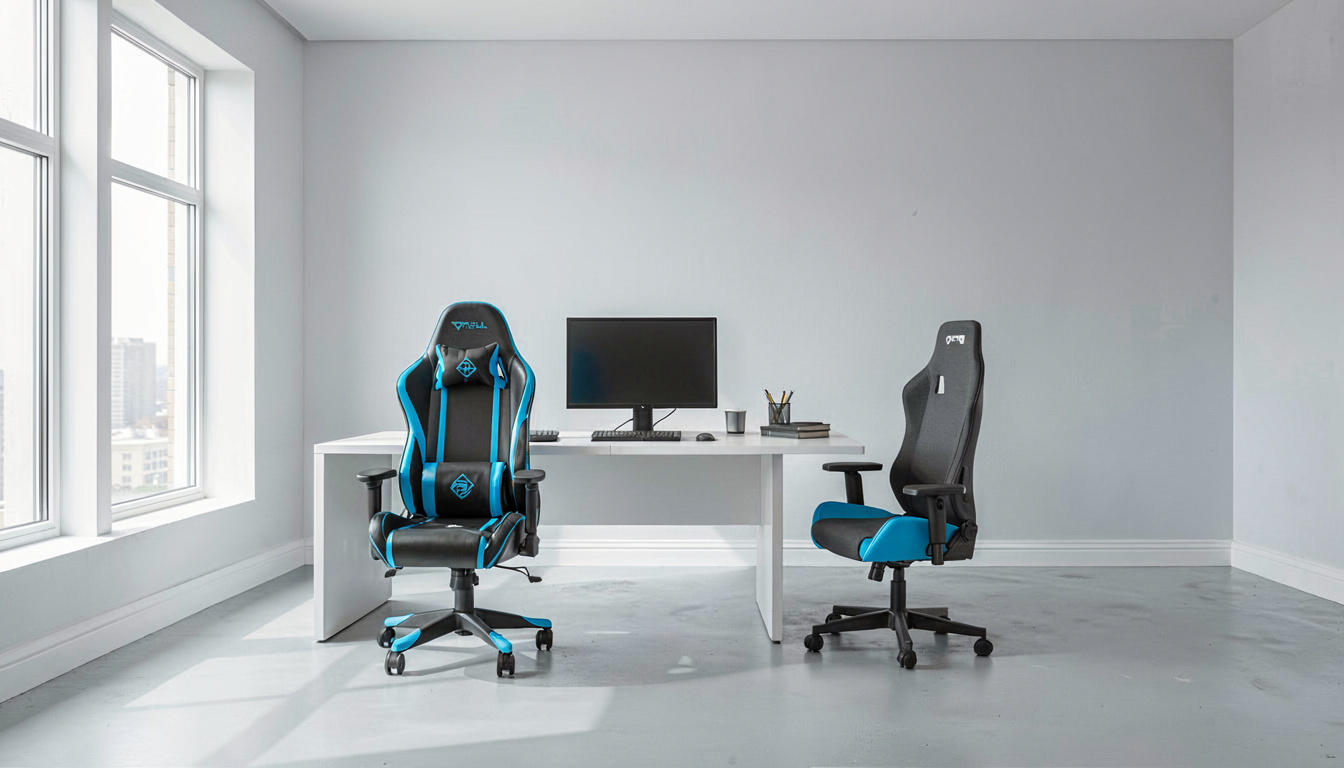
You’ve seen the photos. Racing stripes, aggressive bolsters, a gaping bucket seat that looks like it was ripped from a track car. And the price tag? A Secretlab Titan Evo runs about $549 — right in the sweet spot where a legitimate ergonomic chair also lives.
The marketing says gaming chairs are “designed for all-day comfort.” The spec sheets tell a different story. Flat, non-adjustable seat pans. Lumbar pillows that shift every time you lean forward to type. Headrests that push your neck forward — the exact posture warns against for computer work.
Here’s the thing: neither category is universally better. They’re built for different spines, different desks, and different workdays. The wrong one costs you more than money. Your chair is a risk factor, not just furniture.
I shortlisted from published spec sheets, ANSI/BIFMA certifications, manufacturer warranty terms, and thousands of verified owner reports to map exactly where each chair category wins — and where it fails hard.
Let’s break it down by what your body actually needs at a desk for 8 hours.
| Category | Best For | Adjustability Range | Price Range | Verdict |
|---|---|---|---|---|
| Gaming Chairs | Reclined posture, console gaming, under-$500 budgets | 4D armrests, tilt lock, depth-limited lumbar | $150–$700 | Feature-rich but ergonomically shallow |
| Ergonomic Office Chairs | Upright typing, multiple users, 8+ hour sessions | Seat depth, tilt tension, adjustable lumbar, forward tilt | $300–$1,800 | Scientifically superior, higher entry cost |
| Hybrid Crossover Chairs | Split use: gaming at night, spreadsheet work by day | Gaming aesthetic with office-chair seat pan mechanisms | $400–$900 | Compromise worth considering |
What actually makes a chair safe for 8-hour work sessions?
OSHA doesn’t certify chairs. But the agency publishes ergonomic guidelines for prolonged computer work, and those guidelines create a checklist most gaming chairs fail.
The core requirement: a neutral, supported posture where feet rest flat, knees bend at roughly 90 degrees, and the lumbar spine maintains its natural inward curve. Research consistently identifies sustained awkward postures — leaning forward, slouching, neck craned — as precursors to musculoskeletal disorder development, particularly in the cervical and lumbar spine.
Gaming chairs break this in two specific ways. First, the bucket seat’s raised bolsters restrict thigh movement and force a narrower hip position than an office task chair allows. Second, the included lumbar pillows are passive supports — they compress unevenly, slide downward over hours, and provide zero adjustment granularity.
An ergonomic chair solves this with an active lumbar mechanism. Turn a dial or move a tension knob, and the support depth changes. That’s not a luxury feature. For preventing the kind of sustained lumbar flexion linked to disc compression, it’s the difference between a chair and a costume.
How do guidelines define a proper seated posture?


The two agencies most cited in workplace injury prevention agree on fundamentals: the chair must adapt to the worker, not the other way around.
Per ‘s Computer Workstations eTool documentation, a task chair should provide adjustable seat height, adjustable seat pan depth, adjustable backrest angle, and adjustable lumbar support — at minimum.
Gaming chairs typically provide three of four. Seat pan depth adjustment is the missing piece.
Why does that matter? A 5’4″ user in a chair with a 19-inch seat depth ends up with the front edge digging into the back of their knees. That forces them to perch forward, breaking contact with the backrest entirely.
The result is sustained forward trunk flexion — a posture the National Institute for Occupational Safety and Health directly associates with increased intradiscal pressure and elevated risk of lower back musculoskeletal disorder.
Seat depth adjustability isn’t about comfort. It’s about keeping the pelvis stable so the lumbar spine stays supported.
“Prolonged static posture is the enemy. A chair that locks a user into one position — even a ‘good’ one — accelerates fatigue and increases injury risk over an 8-hour shift. Micro-movement throughout the day is what healthy spines require.”
Can a gaming chair prevent carpal tunnel syndrome or RSI?
This is where the marketing gets deceptive. Some gaming chair brands imply their chairs reduce repetitive strain injury risk. The connection is indirect at best.
Carpal tunnel syndrome and other forms of RSI are primarily caused by repetitive motion and sustained wrist extension — typically from keyboard and mouse use, not from seating. But here’s the link: poor seating posture cascades upward.
When a chair’s armrests sit too high or too low relative to the desk, the user compensates by elevating shoulders or bending wrists awkwardly. Over months, that compensation pattern contributes to nerve compression through the carpal tunnel.
An ergonomic chair can help reduce the strain associated with carpal tunnel syndrome indirectly by enabling armrest height that keeps forearms parallel to the floor and wrists in neutral alignment.
Gaming chairs typically offer 4D armrests — height, width, depth, and pivot adjustment. On the flagship Secretlab Titan Evo, the armrest range is wide enough for most body types. The weakness?
Armrest stability. Gaming chair armrests develop lateral wobble faster than office chair equivalents, and a wobbling armrest introduces micro-adjustments that strain the forearm extensors over time.
Gaming chairs: where the bucket seat design actually wins
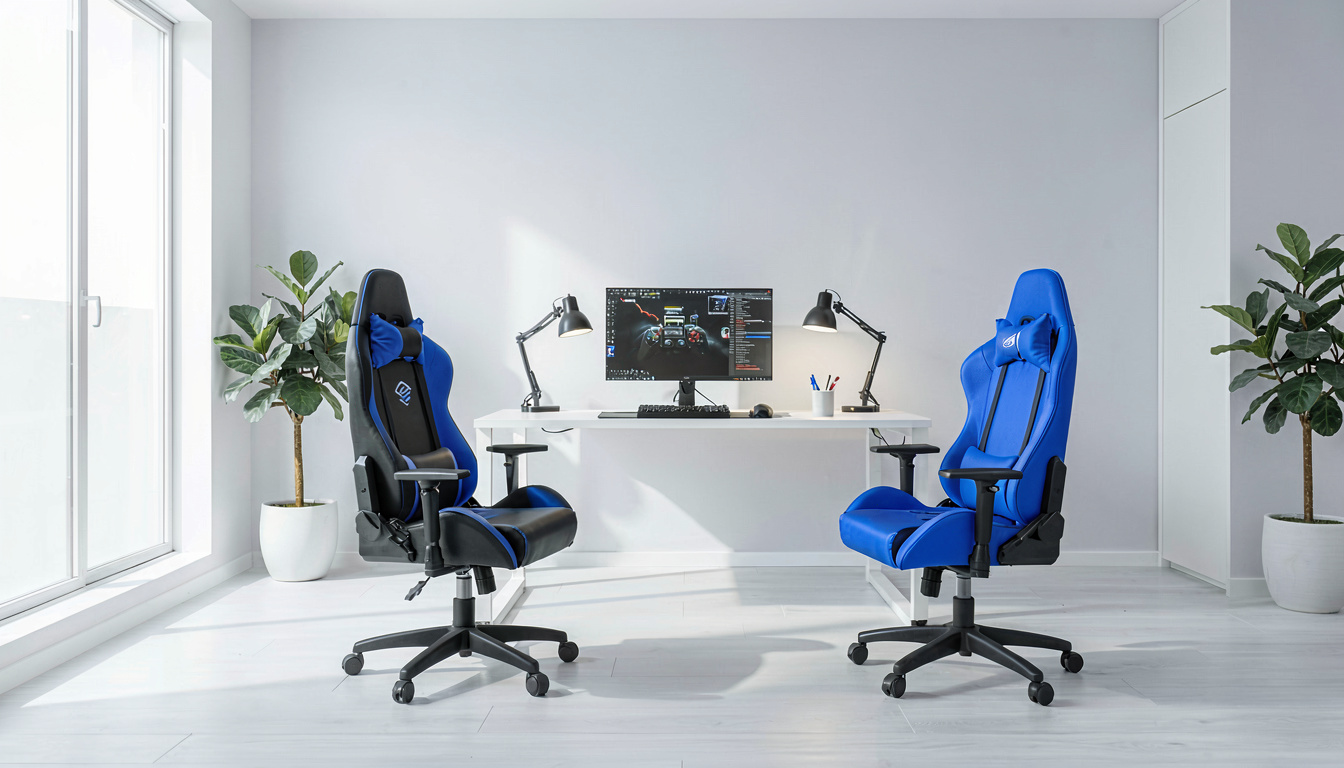
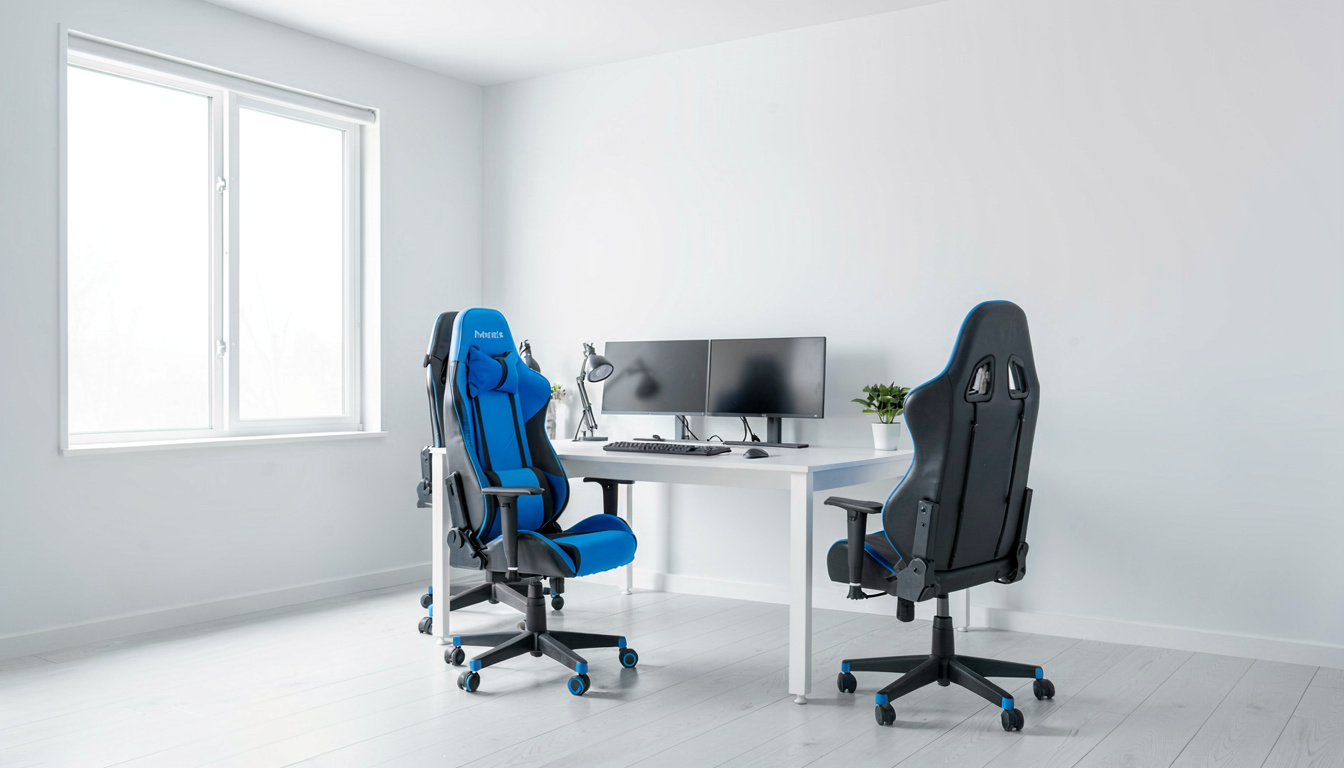
There’s a posture gaming chairs absolutely crush: reclined.
Tilt a Secretlab back to 160-plus degrees, slide the memory foam head pillow into place, and suddenly the racing-seat design makes sense.
The high side bolsters that annoy you during spreadsheet work become lateral supports that cradle you when leaning back on a conference call or reviewing documents on a tablet.
For hybrid workflows — two hours typing, 30 minutes reading, an hour on calls — a gaming chair’s recline range and lockable tilt positions provide variety that a Herman Miller Aeron doesn’t match. The Aeron reclines smoothly, sure. But it doesn’t go near-flat, and it doesn’t wrap around you.
The downside? That recline position is recreational, not productive. Try typing at 135 degrees of recline. Your neck cranks forward to see the screen.
Within 20 minutes, you’re fighting the headrest — exactly the forward-head posture that contributes to cervical RSI and tension headaches. A monitor arm can help here. An articulating arm that brings the screen to your reclined eye line changes the equation. But the gaming chair alone doesn’t solve it.
Ergonomic office chairs: what the $600+ premium actually buys
The Steelcase Leap and Herman Miller Aeron are not luxury purchases. They’re risk mitigation tools with a 12-year warranty backing.
What distinguishes a BIFMA-certified ergonomic chair from a gaming chair at the component level:
The seat pan slides forward and back independently of the backrest — usually a 2- to 3-inch range. That means the same chair fits a 5’2″ user and a 6’2″ user without compromising lumbar contact.
The lumbar mechanism is dynamic. On the Steelcase Leap, a “live back” system changes resistance as you shift weight — firmer support when leaning back, lighter touch when upright. There is no pillow, no strap, nothing you need to reposition manually across an 8-hour day. That’s the engineering difference.
The mesh used on premium office chairs — specifically the Pellicle suspension material on the Aeron — distributes pressure across 8 zones with variable tension.
It prevents the focused heat buildup that PU leather gaming chairs create after about hour four. For anyone in a warm climate, this alone justifies the price gap.
“A 12-year warranty on a Steelcase or Herman Miller chair effectively amortizes to under $100/year. Compare that to replacing a $250 gaming chair every 2–3 years when the seat foam collapses and the PU leather starts peeling. The upfront premium is usually cheaper over a decade.”
How much should you actually spend on a work chair?
The pricing tiers break cleanly into three bands, and the value proposition shifts at each.
Under $300, buy a gaming chair. You’ll get a steel frame, molded foam, 4D armrests, and a warranty that covers the gas cylinder.
Office chairs in this tier — the generic mesh task chairs sold at big-box stores — use particle-board seat bases and 1-inch foam that bottoms out in six months. The gaming chair is simply better built at this price point.
Between $300 and $600, it’s a toss-up. Secretlab’s Titan Evo ($549) competes with the entry-level Steelcase Series 1 ($498) and the used/refurbished Aeron market.
The Secretlab wins on materials feel — the SoftWeave fabric is genuinely excellent. But the Steelcase wins on seat depth adjustment and warranty length (12 years vs Secretlab’s 5).
Above $600, office chairs run away with it. A new Herman Miller Aeron ($1,395) or Steelcase Leap ($1,199) delivers biomechanical engineering that no gaming chair manufacturer has attempted. The aeron’s PostureFit SL lumbar system, the Leap’s “natural glide” recline — these are mechanisms with patents behind them, not marketing copy.
What’s the actual foam and upholstery difference after two years?
Gaming chairs use high-resilience cold-cure foam — typically 55–65 kg/m³ density. That’s good. Better than the 35–40 kg/m³ foam in budget office chairs.
The problem is the upholstery. PU leather — even “premium” PU leather — relies on a bonded polyurethane layer over a fabric backing. Heat and friction delaminate that bond.
By year two, armrest contact points and the seat front edge begin peeling. This is not a Secretlab-specific problem; it’s a material limitation across every PU-leather gaming chair at every price point.
Office chairs avoid this by using either woven fabric (Steelcase’s Cogent Connect) or engineered mesh (Herman Miller’s Pellicle). Neither peels because there’s no laminate to separate. They also breathe.
A PU-leather bucket seat traps body heat against the underside of the thighs — by hour six, that’s 3–5°F warmer than a mesh seat pan, enough to make you unconsciously shift weight and compromise posture.
The one exception: fabric-upholstered gaming chairs. Secretlab’s SoftWeave and similar offerings from AndaSeat eliminate the peeling risk. They still don’t breathe like mesh, but the durability gap closes significantly.
Do or recommend any specific chair type for home workers?
Neither nor endorses specific brands. But both publish criteria that function as a de facto checklist. Per OSHA’s 2024 updated guidelines for home-based computer workstations, a task chair should provide:
A five-point base for stability (all gaming and office chairs pass this). Adjustable seat height with a pneumatic cylinder (universal).
A seat pan that allows the user to sit with their back against the backrest while leaving approximately 1–3 inches between the front edge and the back of the knees — this is where gaming chairs fail for shorter users.
Adjustable lumbar support in height and depth — not a strap-on pillow. Armrests that adjust to elbow height without causing shoulder elevation.
adds a recommendation often overlooked: The chair should allow dynamic sitting. That means the seat and backrest should move with the user, encouraging micro-postural changes throughout the day rather than locking them into one “correct” position.
No gaming chair on the market today meets all five criteria out of the box. Several high-end office chairs meet them completely.
What about accessories that make either chair work better?
A chair operates within a system. The best Aeron can’t fix a monitor that’s 8 inches too low, and the best Secretlab can’t offset a desk that forces your shoulders into a permanent shrug.
A monitor arm puts the screen at eye height regardless of your chair’s recline angle.
For gaming chairs specifically, a gas-spring monitor arm with 20-plus inches of vertical travel lets you lean back and still see the screen without craning your neck forward. This single upgrade reduces cervical RSI risk more than switching chairs.
An anti-fatigue mat pairs with a standing desk to reduce lower-limb strain during standing intervals. The mat doesn’t touch your seating posture, but it extends how long you can comfortably stand — and standing breaks are what prevent the sustained seated loading that drives musculoskeletal disorder development.
Noise-canceling headphones are indirectly relevant: they reduce the tendency to hunch toward the screen when ambient noise makes it hard to focus. Less hunching, less forward-head posture, less neck strain. The equation is straightforward.
The real tradeoff: adjustability versus immersiveness
Gaming chairs prioritize one emotional design goal above all others: the feeling of being “in” the chair rather than “on” it.
The high bolsters, the deep recline, the head pillow that cups the back of the skull — it’s a cockpit, not a workstation. For focus modes that resemble gaming (intense, leaned-in, short-burst), that design language works.
Office chairs are designed to disappear. The best ones — the Aeron, the Leap, the Gesture — you stop noticing them by late morning. They’re not trying to create an experience. They’re trying to not cause problems.
For 8 hours of consecutive typing, code review, spreadsheet work, and video calls, the chair that disappears wins. Every time. Your spine doesn’t want a cockpit. It wants to move through subtle position changes without ever feeling unsupported.
Those chairs weren’t gaming chairs.
Frequently Asked Questions
Is a gaming chair or office chair better for lower back pain?
A properly adjusted ergonomic office chair is better for existing lower back pain. The adjustable lumbar depth and seat pan depth let you customize support to your specific spinal curvature. Gaming chair lumbar pillows provide passive, non-adjustable pressure that can aggravate rather than relieve disc-related pain over long sitting periods.
Can a gaming chair cause RSI or carpal tunnel syndrome?
A gaming chair does not directly cause carpal tunnel syndrome — that’s primarily keyboard and mouse positioning. However, if the chair’s armrests position your wrists in extension or the seat forces a forward lean, it can contribute to the postural chain that increases RSI risk over months of sustained computer use.
How long do gaming chairs typically last compared to office chairs?
PU-leather gaming chairs typically show visible wear (peeling, foam softening) within 2–3 years of daily use. Fabric-covered gaming chairs extend that to 4–5 years.
Premium office chairs like Steelcase and Herman Miller carry 12-year warranties, and refurbished units commonly last 10–15 years with component replacements available for every part.
Should I use a standing desk with a gaming chair?
Yes. A standing desk or desk converter is the best ergonomic upgrade you can pair with any chair — gaming or office. Alternating sit-stand intervals reduces sustained static loading on the lumbar discs, which is the primary injury mechanism identifies for prolonged seated work. No chair eliminates the need for movement.
Are Secretlab chairs actually ergonomic for work?
Secretlab chairs provide good build quality and comfortable recline for mixed-use scenarios, but they lack seat depth adjustment and an integrated dynamic lumbar mechanism — two features and guidelines consider essential for full-time computer work.
For split gaming-and-work days, they perform adequately. For 8-hour dedicated work sessions, an ergonomic office chair is fundamentally more supportive.
Related Articles
- Standing desk converter vs full standing desk: which makes more sense for a rental?
- Best monitor arm for home office setups under $100
- Are anti-fatigue mats worth it? What the research actually says
- Best noise-canceling headphones for deep work at home
Sources and Further Reading
The guidance in this article draws on published material from the following organizations:
- Computer workstations: keyboards — Occupational Safety and Health Administration
- Computer workstations: pointer and mouse — Occupational Safety and Health Administration
- Computer workstations: monitors — Occupational Safety and Health Administration
Last updated: September 07, 2026
1 thought on “Gaming Chair Vs Office Chair For Work”